Export Issues on Android
In the Issues tool in the Forma mobile app, you can generate an Issues report and email it to yourself.
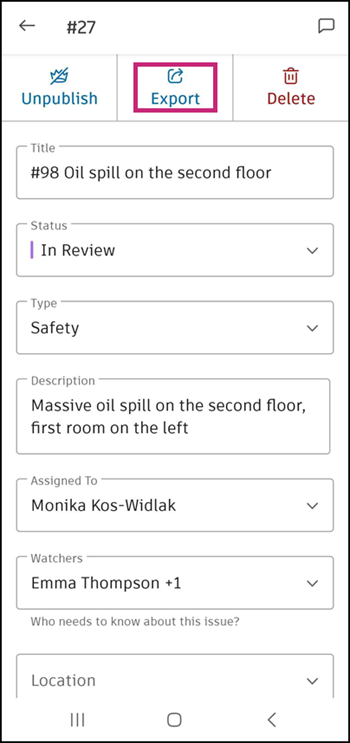
To export an individual issue, tap on the issue and tap Export.
To export multiple issues or all the issues in your project, tap on the More icon
 at the top-right corner.
 For all issues, tap Create Report.
For multiple issues, tap Select Issues.
- Select issues from the log.
- Tap Create issue report at the bottom of the log.
Edit the title of the report.
Select a report type: Detail report or Summary report.
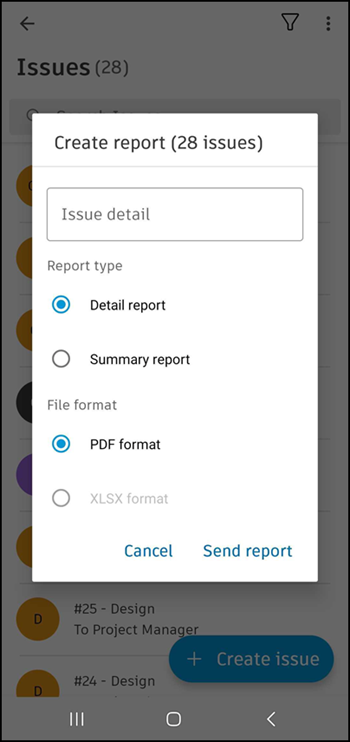
Select a file format if applicable.
Tap Send report.