View RFIs Shared Through Bridge
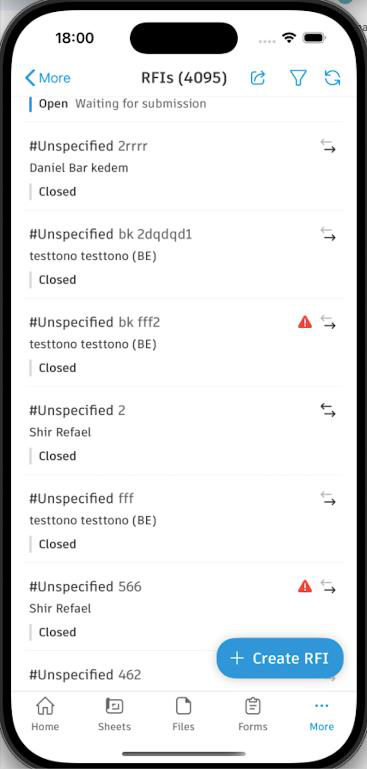
RFIs you've shared with other projects display Bridge indicators in both the list and detail views, so you can track their sharing status and history. The indicators show:
- That the RFI was shared to other projects.
- Whether each connection is active or inactive.
- Which projects received the RFI.
The activity log records sharing actions:
- When the RFI was shared
- Which projects received the RFI
- Any resharing or updates
- When sharing was stopped
In target projects, shared RFIs show:
- That the RFI was received from another project.
- That most fields can't be edited.
- Where the RFI originated.
- A "Bridge User" label when the original user isn't available.
Target project administrators can:
- Add local Watchers to shared RFIs.
- Edit the RFI Number for local tracking.
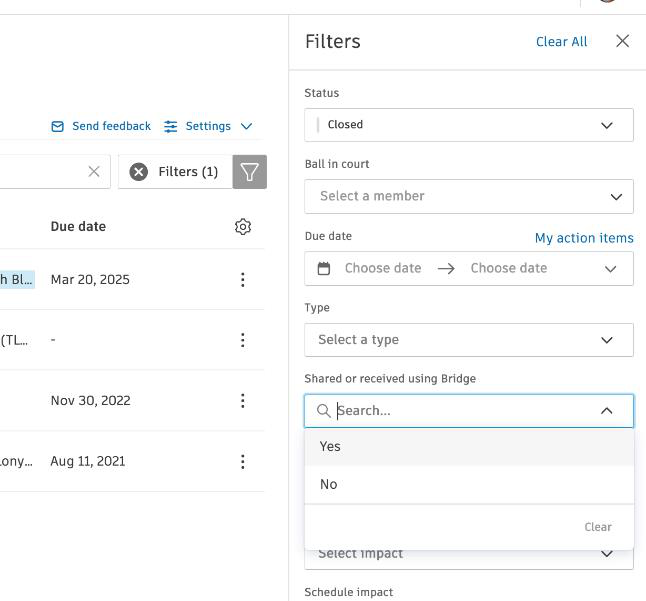
- Filter RFIs to show only shared or local RFIs.