Submittal Spec Section
Spec sections (specification sections) organize the written requirements for materials, standards, and workmanship. In Submittals, spec sections link each submittal to the project specifications.
Note: You can also create spec sections by including them in an Excel file when you import submittals. To learn more, see Create Submittal Items.
- In the Submittals tool, open Spec sections.
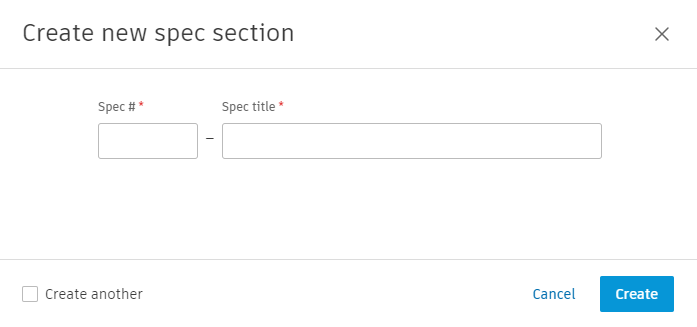
- Choose Create spec section.
- Enter the Spec #.
- Enter the Spec title.
- Choose Create.
Tip: To add several spec sections in a row, choose Create another before you choose Create.
You can edit or delete a spec section after you create it.
Spec sections categorize the materials and types of work in a project, such as concrete, masonry, or electrical. Contractors can use a spec section as a reference when they submit materials, so the submittal matches the specification.