Member Details
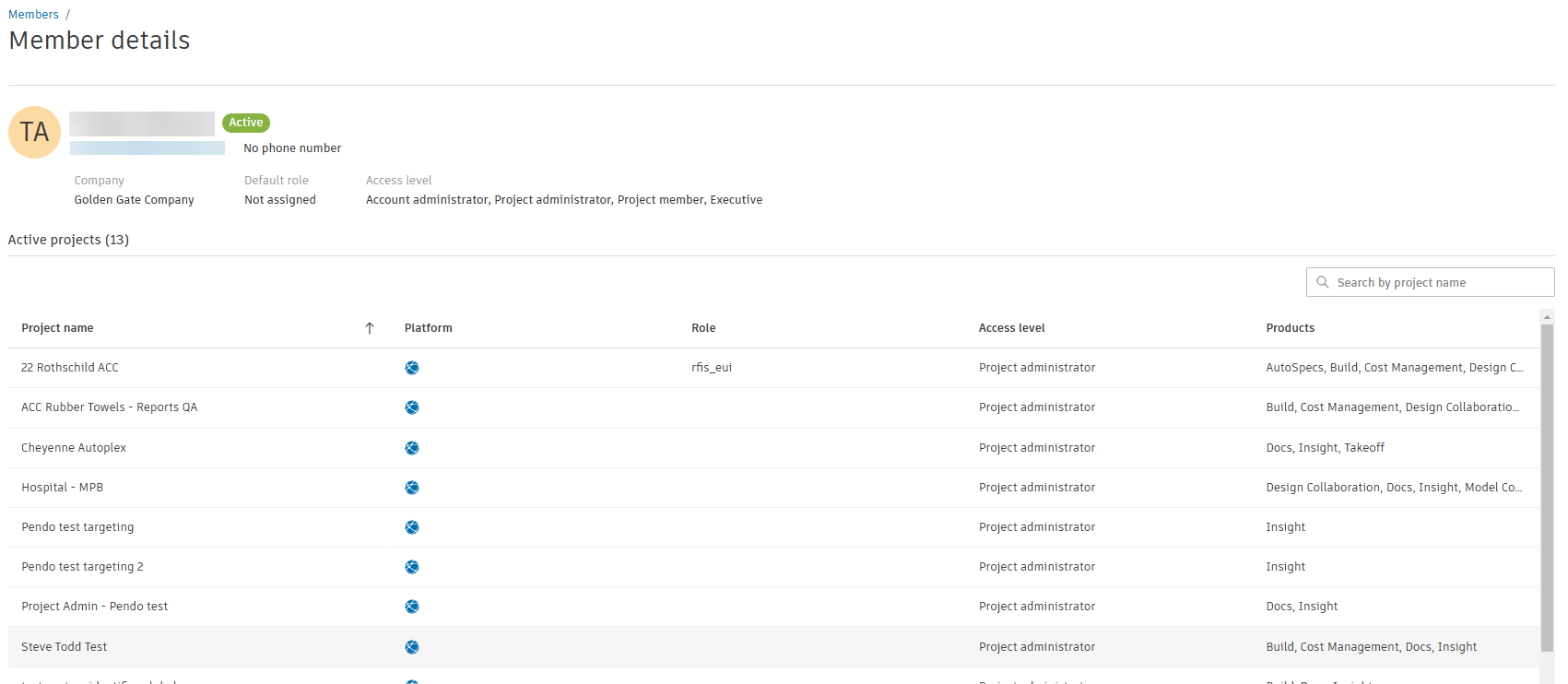
Member details allows you to quickly see and access the projects that a person is a member of and details about the member in those projects. The details from the member drawer are also available.
Accessing member details
Starting in Hub Admin:
- Select the Members tool.
- Select a hub Member.
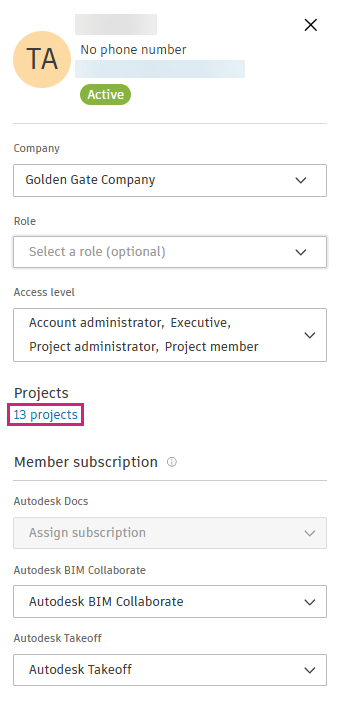
- In the member drawer, click the number of projects.
Project information
In the list of active projects, you can see information including:
- Project name
- Platform (BIM 360 or Autodesk Forma)
- Role
- Access level
- Products
You can see any projects that may have different configurations, such as role or products.