Create and Manage Project Classifications
Project administrators can create and manage classifications at the project level in Project Admin, including importing from the Library.
In this article, you'll learn how to:
Import Classification Structures from Library
Project administrators must import classifications from the Library to Project Admin to make them available for the team to use in that project. Learn more about setting up classifications in the Library.
To import classification structures into a project:
Open the project.
Use the product picker at the top left to navigate to Project Admin.
Click Classifications in the left navigation.
Click Import structure.
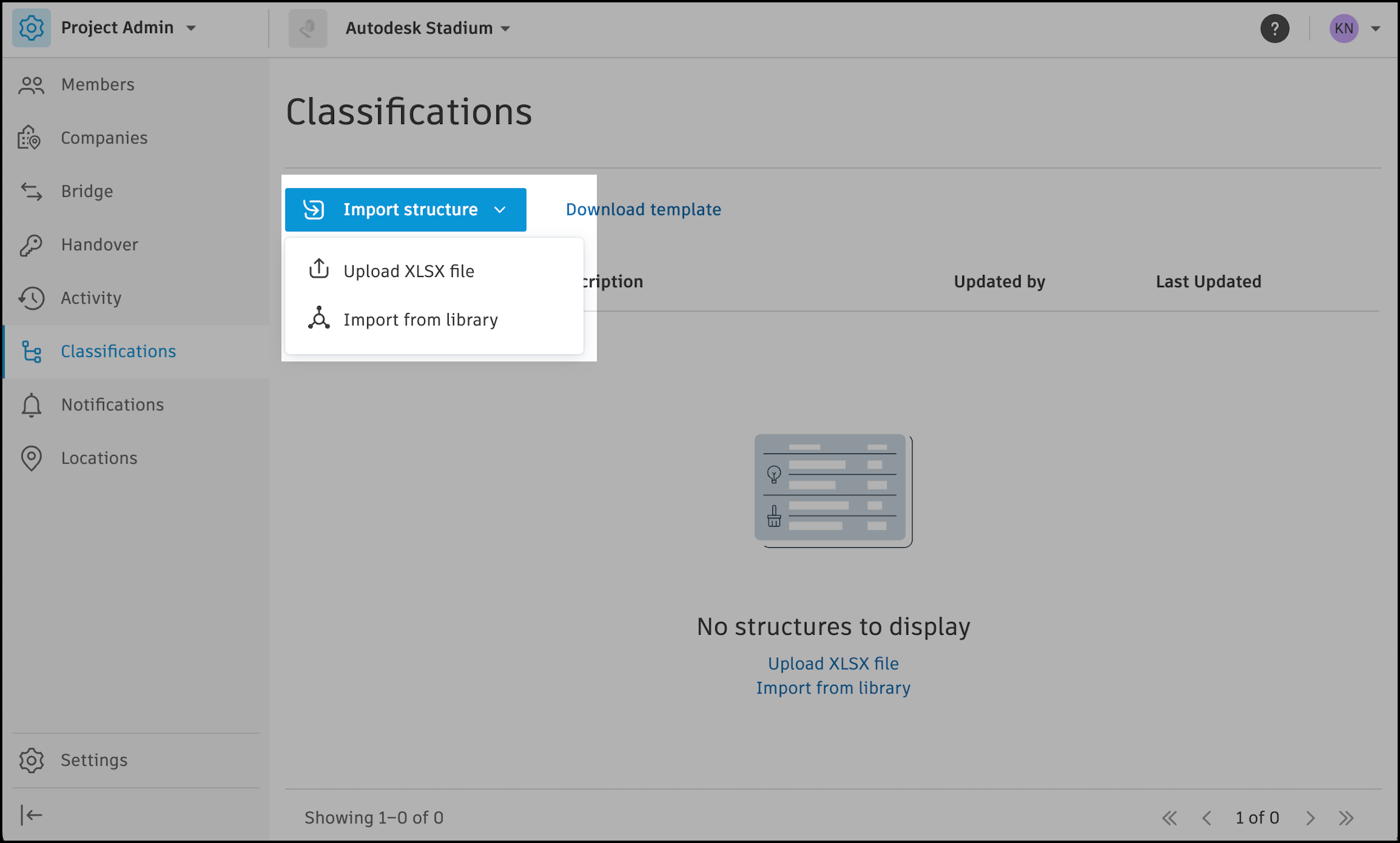
Select Import from library.
Select from the classification structures that exist in the Library.
Click Import.
Create Classification Structures in Project Admin
Project administrators can create project-specific classification structures using the classifications template.
Open the project.
Use the product picker at the top left to navigate to Project Admin.
Click Classifications in the left navigation.
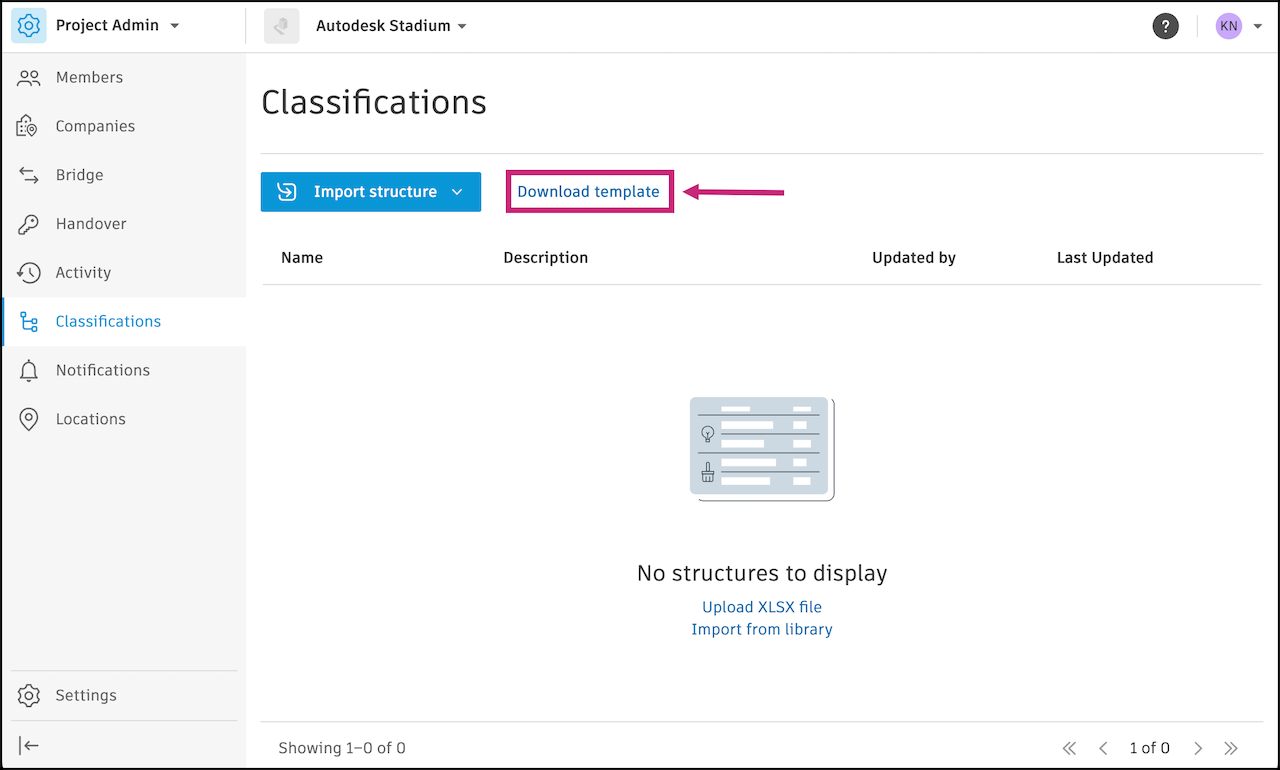
Click Download template.
Read and review the formatting guidelines in the .XLSX file.
Fill out the spreadsheet with your classification structure.
Return to Classifications in Project Admin and click Import structure.
Select Upload XSLX file.
Drag and drop the file or select the file on your computer.
Click Import.
If there are any errors, you will receive a message stating the errors and requesting that you correct the errors before trying to import again.
If no errors occur, edit the name and description if needed. Click Import.