3-Legged OAuth Tutorial
This tutorial describes the basic steps of authenticating into Fusion Manage using a 3-legged OAuth token. This is commonly used in user interfaces, or other use cases where there is user interaction, so that the user can re-authenticate into the system from time to time.
1. Create an Application
- Sign in to Autodesk Platform Services (APS).
- Read the overview of the platform.
- Create an application.
- Request a 3-legged token with Grant Type set to Authorization Code.
2. Call the Fusion Manage REST v3 API Endpoints
When performing a request, add:
- the Authentication token, in the format “Bearer BEARER_TOKEN”
- the “Accept” header value, if applicable
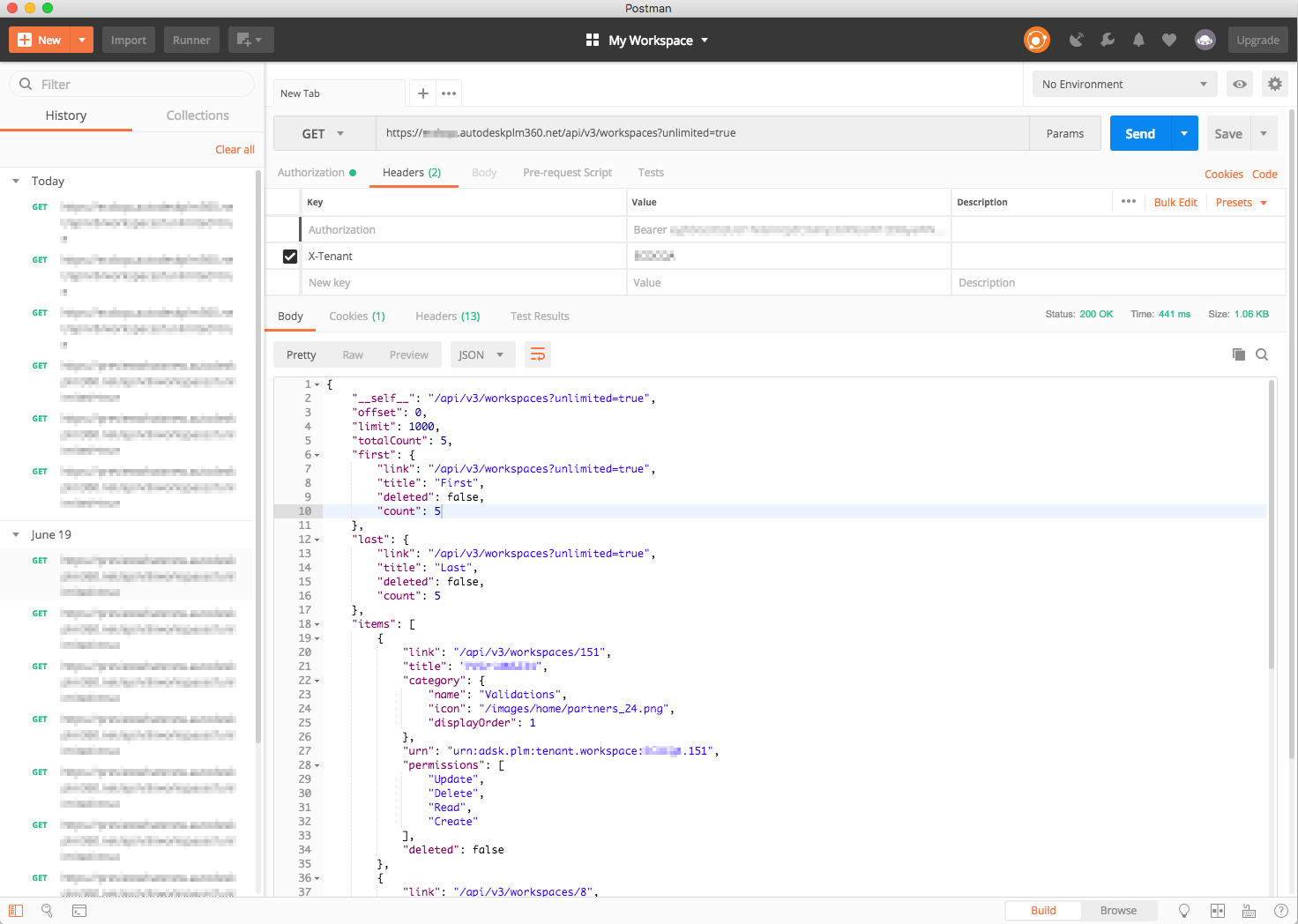
cURL Example
curl -X GET -H "Authorization: Bearer [your access token]" -H "x-tenant: [your tenant name]" -H "Accept: application/json" -H "Content-Type: application/json" " https://[tenant name].autodeskplm360.net/api/v3/workspaces?unlimited=true