Reset to CAD
Note: This content doesn't apply if you're using Fusion for education.
Reset a Bill of Materials item, as well as any children it might have, to its original design properties.
In the Bill of Materials dialog, make sure you are viewing the Working BOM in Structured layout.
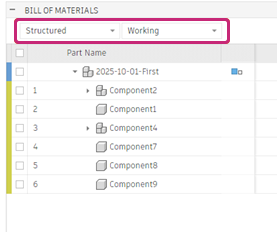
Place the pointer over a part name to show the More
 icon.
icon.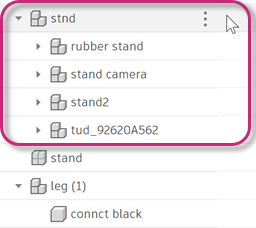
Click More
.In the drop-down menu, select Reset to CAD.
Reset to CAD removes these overrides and restores the original design state of the component:
- Remove from this parent
- Edits to properties such as Quantity, Description, Manufacturer, Vendor, and so on.
Reset to CAD doesn’t reset structural changes such as:
- Global overrides; for example, Remove from all BOMs, hide children, and so on.
- Reorder rows