Place Components panel
The Place Components panel is to the right of the canvas and provides you with access to component libraries. You can search the libraries, change filter settings to refine the searches, and review component details including attributes, schematic, footprint, and 3D models. You can also open the Library Manager right from the panel.
The Place Components panel is available when you are working on:
- schematics
- 2D PCB documents
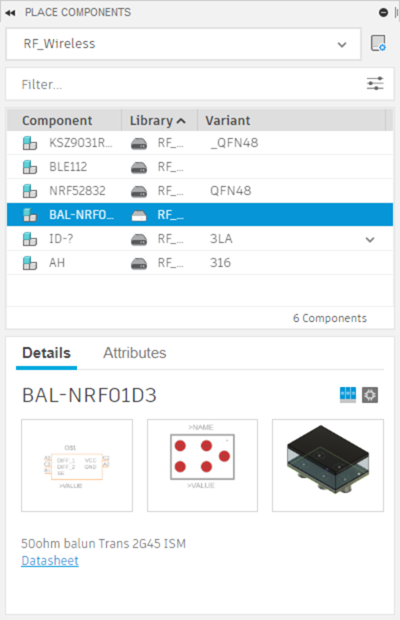
When a component is selected, the lower section of the panel displays two tabs, Details and Description.
The Details tab displays thumbnail images of the component and a drop-down list to select between different attribute sets. The values of the selected set show below the drop-down list.
The Description tab contains a description of the selected component.