Tutorials
This page lists step-by-step tutorials organized by workspace in Fusion and for Fusion Manage. Some tutorials use sample models and walk you through core tools and workflows for that area of the product.
Select a collection below to open its tutorials.
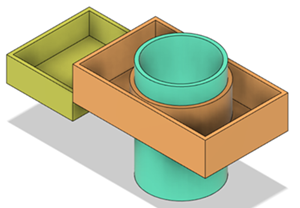 |
Design: Assemblies Use top-down and bottom-up methods to assemble components, add joints and subassemblies, and preview motion with contact sets. |
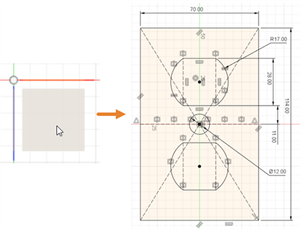 |
Design: Sketch Create sketch geometry with dimensions and constraints, use construction geometry, and fully define sketches before creating 3D models. |
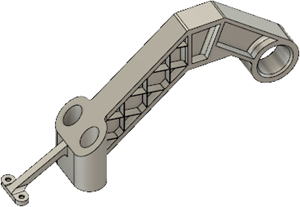 |
Design: Solid Model parts with extrudes, sweeps, and lofts; modify existing geometry; measure assemblies; and edit designs with parameters or direct modeling. |
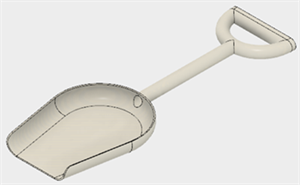 |
Design: Surface Build surfaces from sketch profiles, edit and trim surface bodies, and convert a surface model into a solid body. |
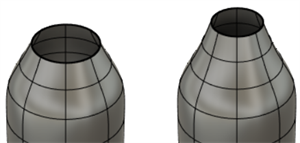 |
Design: Form Create and edit T-Spline forms using box, revolve, sweep, and loft tools, including models built with reference images. |
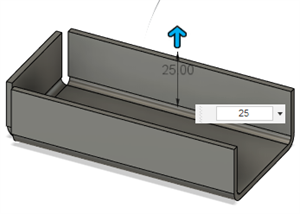 |
Design: Sheet Metal Sketch a profile, create a sheet metal flange and flat pattern, and document the part in a drawing. |
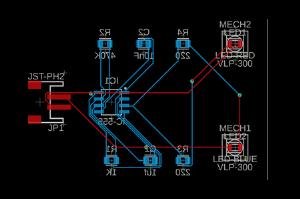 |
Electronics Manage component libraries, create schematics and PCB layouts, route connections, and link mechanical and electronics designs. |
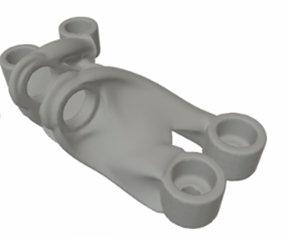 |
Generative Design Define design spaces and criteria, generate and explore outcomes, and compare manufacturing methods for optimized parts. |
 |
Render Apply materials, decals, and environment settings to produce a photorealistic rendering of your design. |
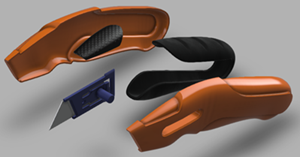 |
Animation Create exploded views, build an animation, and publish it to show how your design is assembled. |
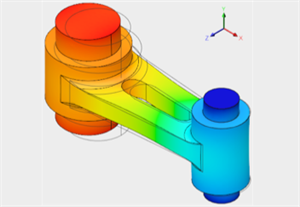 |
Simulation Run cloud-based studies for static stress, thermal, modal, buckling, shape optimization, injection molding, electronics cooling, and event simulation. |
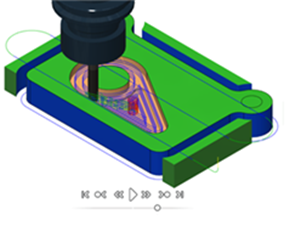 |
Manufacture Program and simulate 2D, 3D, and 3+2 machining toolpaths, then post NC code. Separate tutorials prepare parts for additive printing with FFF, SLA, or MJF, and simulate additive manufacturing processes. |
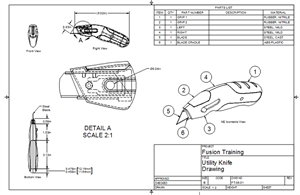 |
Drawing Place base, projected, section, and detail views on a sheet, then add dimensions, parts lists, balloons, and other annotations. |
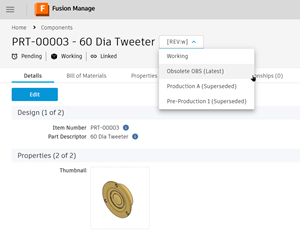 |
Fusion Manage Complete administrator tutorials for site setup, user management, and change templates. User tutorials cover releases, BOMs, change orders, and the item lifecycle. |