Change the ownership of a change order
Fusion Manage
Fusion Manage requires a separate license and can be used with Fusion or independently. Learn more.
Every item has one owner at any given time, starting with the person who created it. An item can also have one or more users or user groups assigned as additional owners.
You can change an item's owner and additional owners.
In the Change Order tab, click Edit.
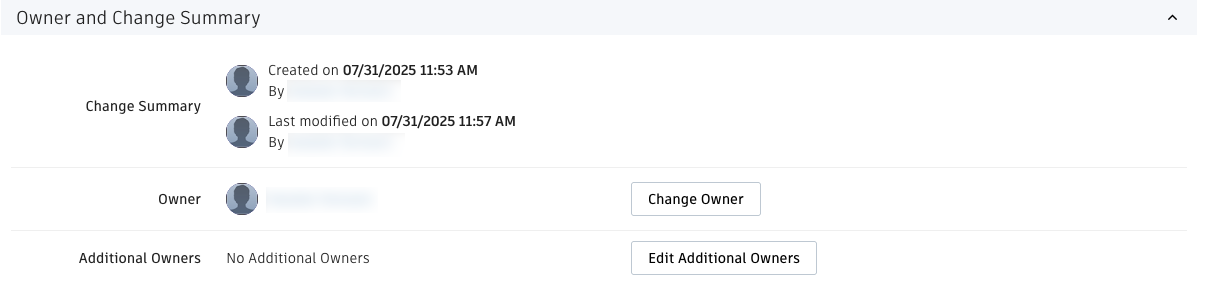
In the Owner and Change Summary section at the bottom of the page, click Change Owner.
In the Change Owner window, select the new owner or start typing a name in the Search box to narrow the selection.
Click Save.
Change an item's additional owners
- In the Owner and Change Summary section at the bottom of the page, click Edit Additional Owners.
- In the Edit Additional Owners dialog, select the additional owners of the item or start typing a name in the Search box to narrow the selection. You can assign individuals as owners as well as groups. Every member of the group becomes an additional owner of the item.
- Click Save.