View properties for an item
Fusion Manage
Fusion Manage requires a separate license and can be used with Fusion or independently. Learn more.
Note: This content doesn't apply if you're using Fusion for education.
You can look at the Properties tab to see an item’s component details, project related information and summary information.
In the Fusion browser, select the item.
In the Manage toolbar, in the Process Management group, click Details
 .
.
The Details page opens in a browser window in Fusion Manage.
Click the Properties tab.
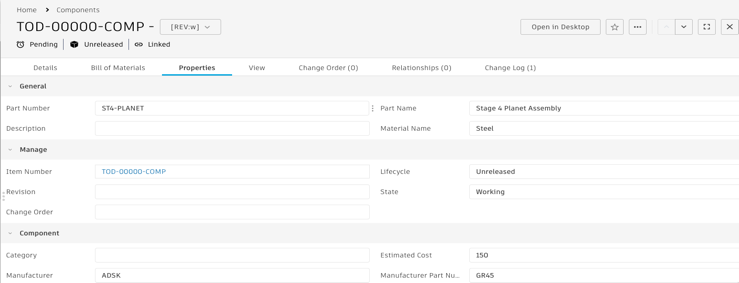
Note: For components that share part numbers, the properties shown are for the primary model in the shared part number group. To learn more about shared part numbers, read this help topic.