Mesh export
The following tools in the Design > Mesh > Export panel and the mesh context menu let you export mesh bodies in Fusion.
You can use the following tools to export mesh bodies:
- Save As Mesh

- 3D Print

Save As Mesh
The Save As Mesh tool exports a solid, surface, or mesh body to a 3MF, STL, or OBJ file.
In the Browser, right-click the solid, surface, or mesh body to export, name the file, and select the file type. Right-click a component to save all of the bodies contained within it.
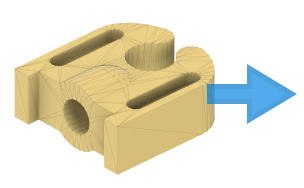
3D Print
The 3D Print tool exports a mesh body as an STL file or sends it to a 3D print utility.
Select the body to print, then set the mesh controls and specify the print utility.