Notes
The Notes node lets you add a note in the Layout Graph.
The note is for display purpose only and will have to impact on the cache.
Add node
- Drag the Scale Range icon
 from the
Nodes Library panel and drop it in the
Layout Graph Edition panel
from the
Nodes Library panel and drop it in the
Layout Graph Edition panel - Hit the Tab key in the Layout Graph Edition panel and select the Notes option in the dropdown menu that appears
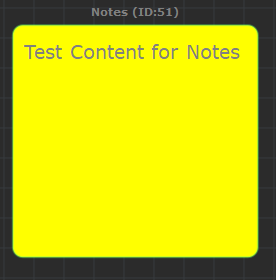
Notes node in the Layout Graph Edition panel
Notes always appear behind other types of nodes in the Layout Graph Edition panel, so it's easy to use them to put description on any part of your graph:
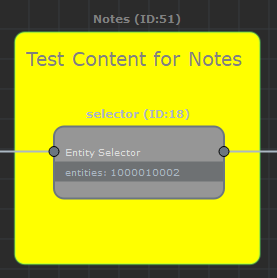
A Notes node always appear behind other nodes
Node parameters
Parameters are accessible by double-clicking on the node in the Layout Graph Edition panel:
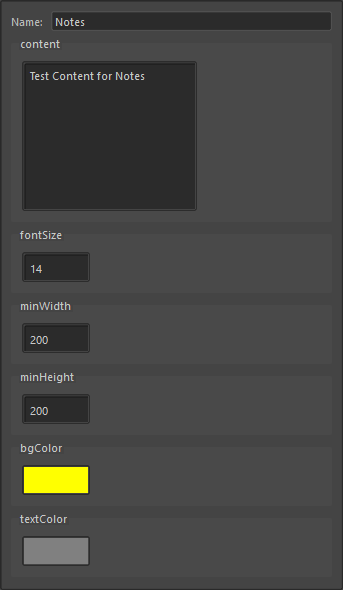
Notes node parameters
| Name | Name of the node |
| Content | Text to display |
| Font size | The size of the text |
| Min Width | Minimum width size of the note in the Layout Graph Edition panel |
| Min Height | Minimum height size of the note in the Layout Graph Edition panel |
| bgColor | Background color of the note in the Layout Graph Edition panel |
| textColor | Text color of the note the Layout Graph Edition panel |