To extend the model schema
Use the Extend Schema tool to add, remove, or modify feature types and attributes for your model.
Open the Extend Schema Tool
Open the Model Explorer.
Right-click on a feature class.
Click Add Extend Schema.
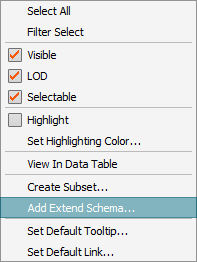
The Extend Schema tool will display.
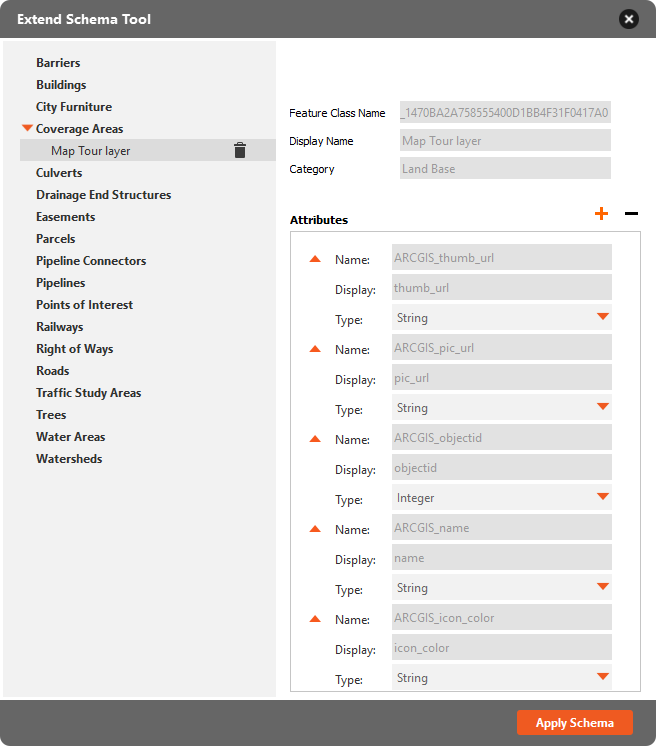
Select a feature class from the left sidebar to review the name, display name, category, and associated attributes.
- Click the drop-down arrow next to a feature class name to review subsets of that feature class.
- Hover over a feature class name in the left sidebar and click the orange plus button to add a new subset to that feature class.
- Click
 to delete a feature class or subset.
Use the Attributes controls to add, remove, or modify attributes for the selected feature class or subset.
Click Apply Schema when done.