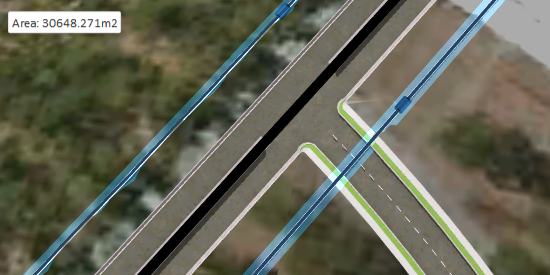
About Annotations for Component Roads
InfraWorks displays in-canvas annotations for component roads depending on your selection and view position.
Some road annotations are editable. Refer to the table below for more information about editable road annotations. All annotations provide information to help in editing the road components. Depending on your selection and viewport position, the model will display values for:
- fixed increment stations (in 50 meters or 100 feet increments)
- road station/elevation at geometric end points for horizontal and vertical alignment
- roadside grading area lengths
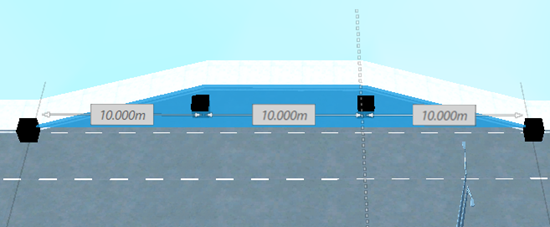
- lengths of component parts and road transitions
- area of easements, parcels, and right of ways
- curve radius, curve length, and spiral in/out A values for horizontal curves
To hide road annotations: with the road selected, right-click and uncheckmark Show Road Geometry. Note that this option also hides the road manipulators for editing horizontal and vertical geometry. To show them again, checkmark Show Road Geometry.
Annotations display at different zoom levels:
Annotations for component roads will display when you select a road and zoom in. When you are zoomed out too far from the selected road, you will not see road annotations at all.
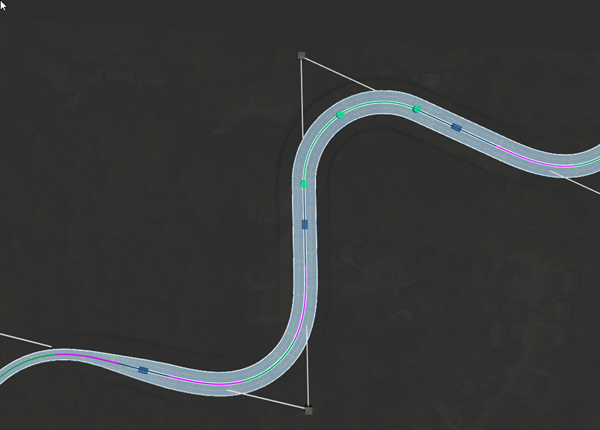
However, as you zoom in to the selected road, the annotations will re-size and increase their display detail depending on how far your viewport position is from the selected road or component.
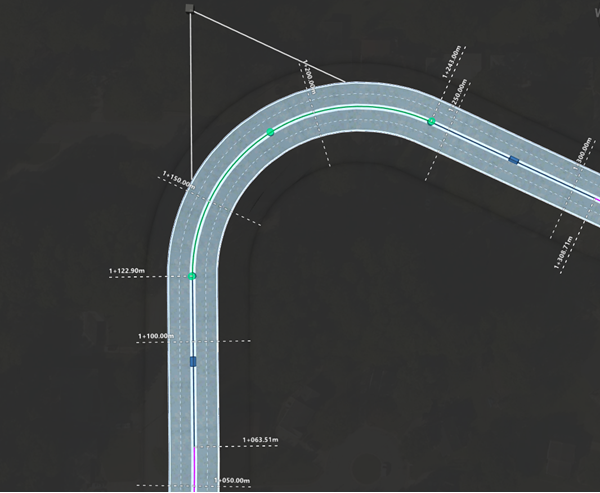
Horizontal Road Geometry (in Plan View)
When you are viewing a road's horizontal geometry from above, the model displays station values for horizontal geometry such as points of intersection, and points of tangency.
In plan view, fixed increment station labels also display at every 100 feet or 50 meter intervals.
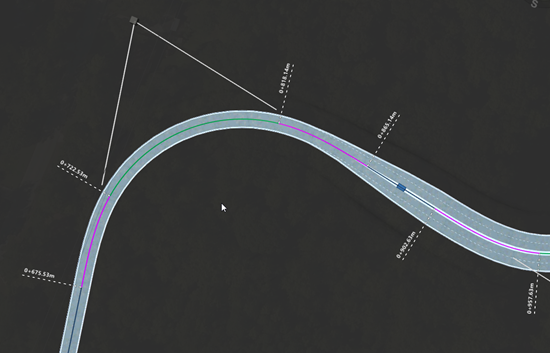
Horizontal Geometry (Spiral-Curve-Spiral)
Labels for points of change to horizontal spiral-curve-spiral geometry include a non-configurable prefix. Additionally, curve radius, curve length, and A values for Spiral In and Spiral Out are shown-in canvas.
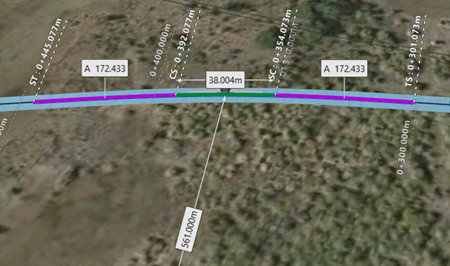
- TS = point of change from tangent to spiral curve
- SC = point of change from spiral curve to circular curve
- CS = point of change from circular curve to spiral curve
- ST = point of change from spiral curve to tangent
Horizontal Geometry (Curve)
Labels for horizontal curve geometry include a non-configurable prefix.
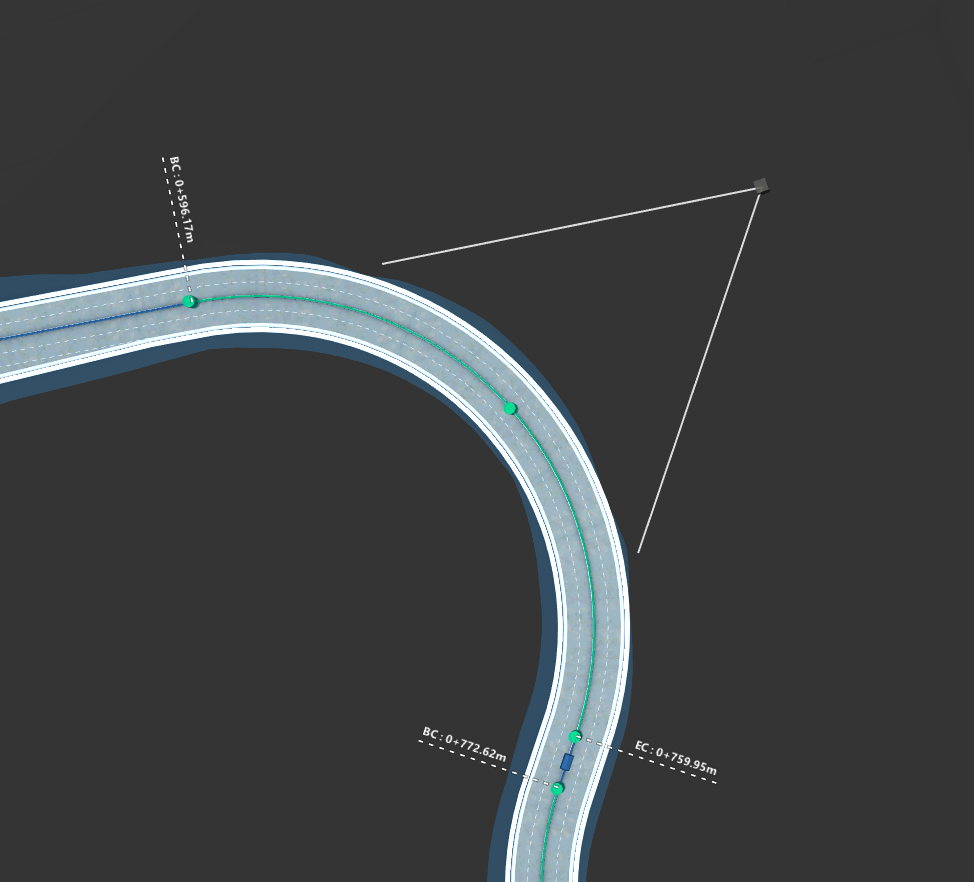
- BC = beginning of curve
- EC = end of curve
Vertical Geometry (in Profile View)
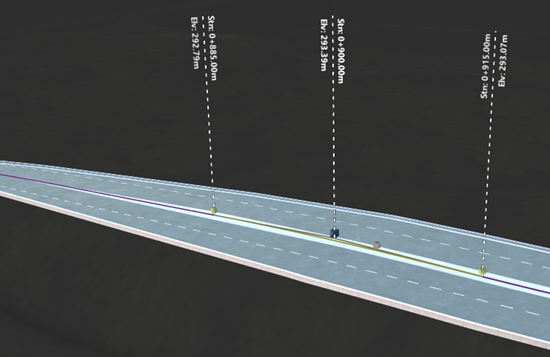
When you orbit to view the road's vertical profile, the model displays station values and elevations for vertical profile points such as points of vertical intersection and points of tangency.
Roadside Grading
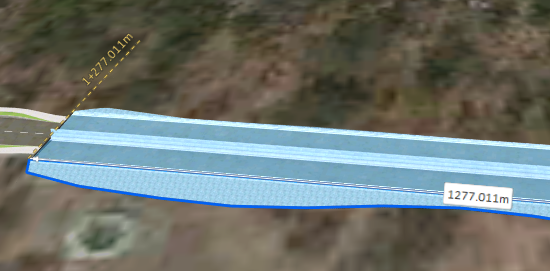
When you select a roadside grading area for a component road, the model displays length values for the grading area you select. These values are dynamic and will update if you split or modify roadside grading areas.
Component Road Transitions
When you select a component part that has Transition In and/or Transition Out applied to it, the model displays length values for the tapered transitions, and full width sections of the component. These values are dynamic and will update if you modify the length of road transitions.
Component Part Length
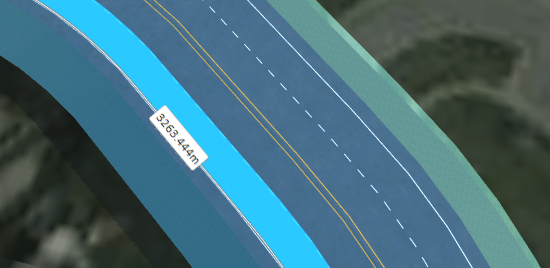
When you select an individual component part in a component road assembly, InfraWorks calculates and displays the length of that selected component. Component part label values are dynamic and will update if you split or modify a component's length.
Easements, Parcels, and Rights of Way
When you select an easement, parcel, or right of way, the model displays a value for the area of the selected easement, parcel, or right of way. These values are dynamic and will update if you modify the area of the easement, parcel, or right of way.