Estimate Navigation Basics
Forma Estimate is a tool in the Preconstruction product.
In Autodesk Forma, use the product picker to open Preconstruction.
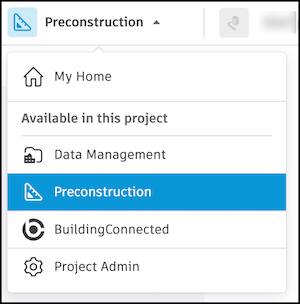
Then click Estimate in the navigation bar to open Forma Estimate.
Forma Estimate has two tabs: Estimate and Cost Markups.
Estimate Tab
The Estimate tab shows the estimate table. It opens by default when you open Forma Estimate.
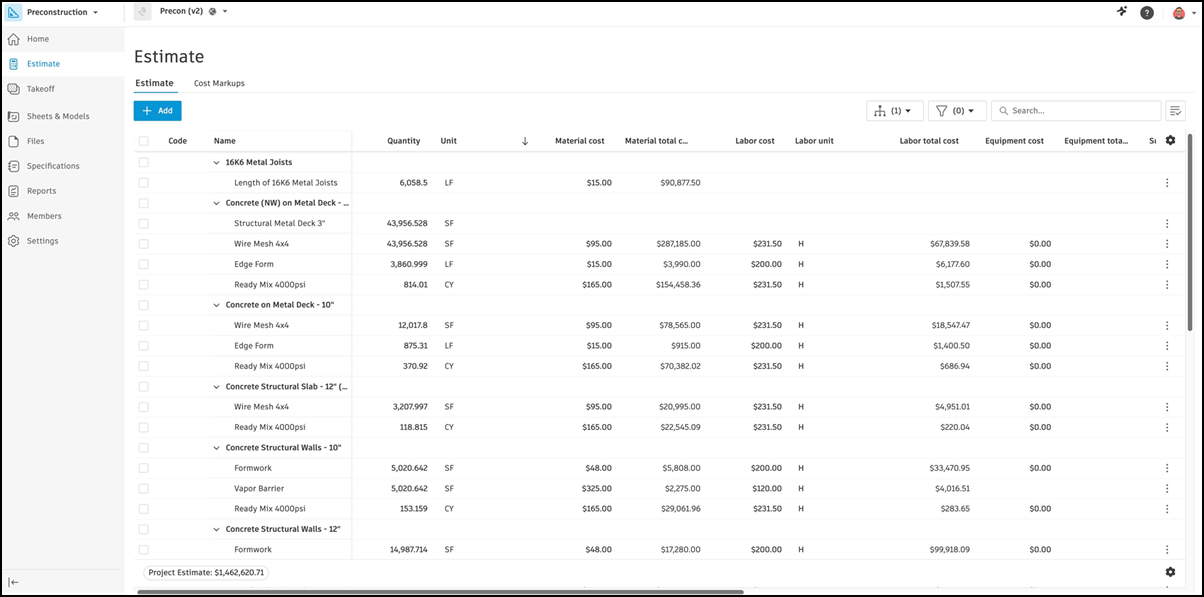
The estimate table holds your estimate data. Each row is a line item, which represents a resource required for a project and its cost. Each column is an attribute of a line item.
Learn how to import line items or add and edit line items.
Cost Markups Tab
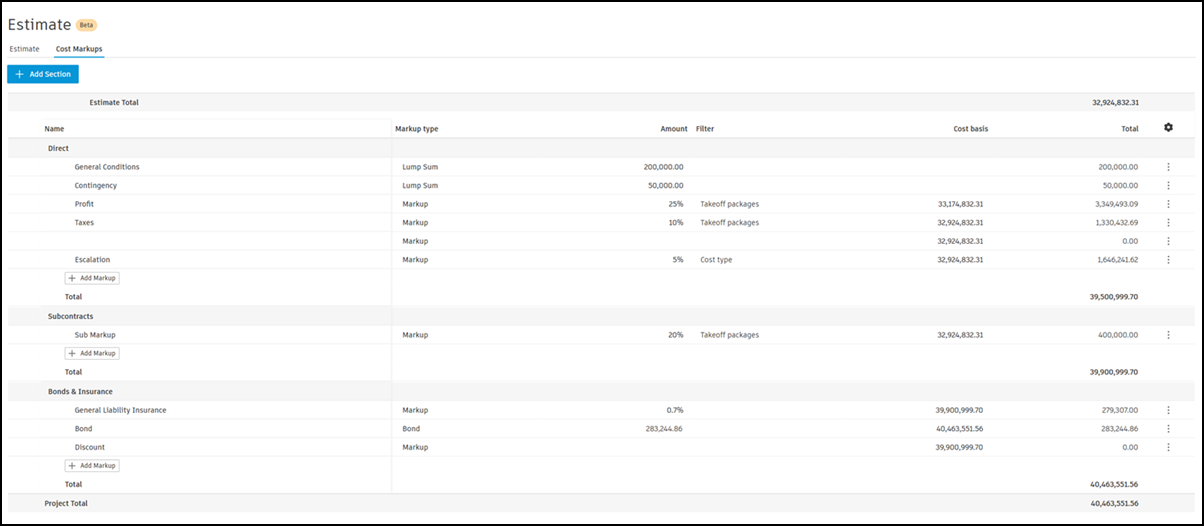
Use the Cost Markups tab to manage cost markups for your estimate.
Cost markups are lump sums or percentages added on top of an estimate total or selected parts of an estimate. They help you determine profit margins more accurately.
Learn how to work with cost markups.