When you define a structural load, it is assigned to the currently selected load case, also called the active load case. Before you define load parameters, select an active load case on one of the following lists:
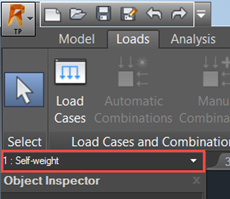
- Load Case drop-down list above the Object Inspector
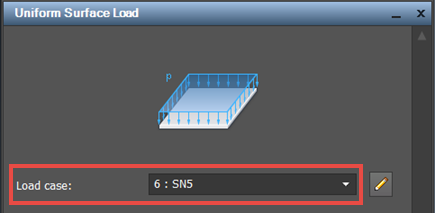
- Load case list, in dialogs for defining individual load types.
The following image presents the Load case list for the uniform surface load.
After you select an active load case on one list, it is updated on the other.