New Mesh Editor classification tools
Isolate geometry, set limit boxes faster, and auto-merge objects to classify meshes in fewer steps.
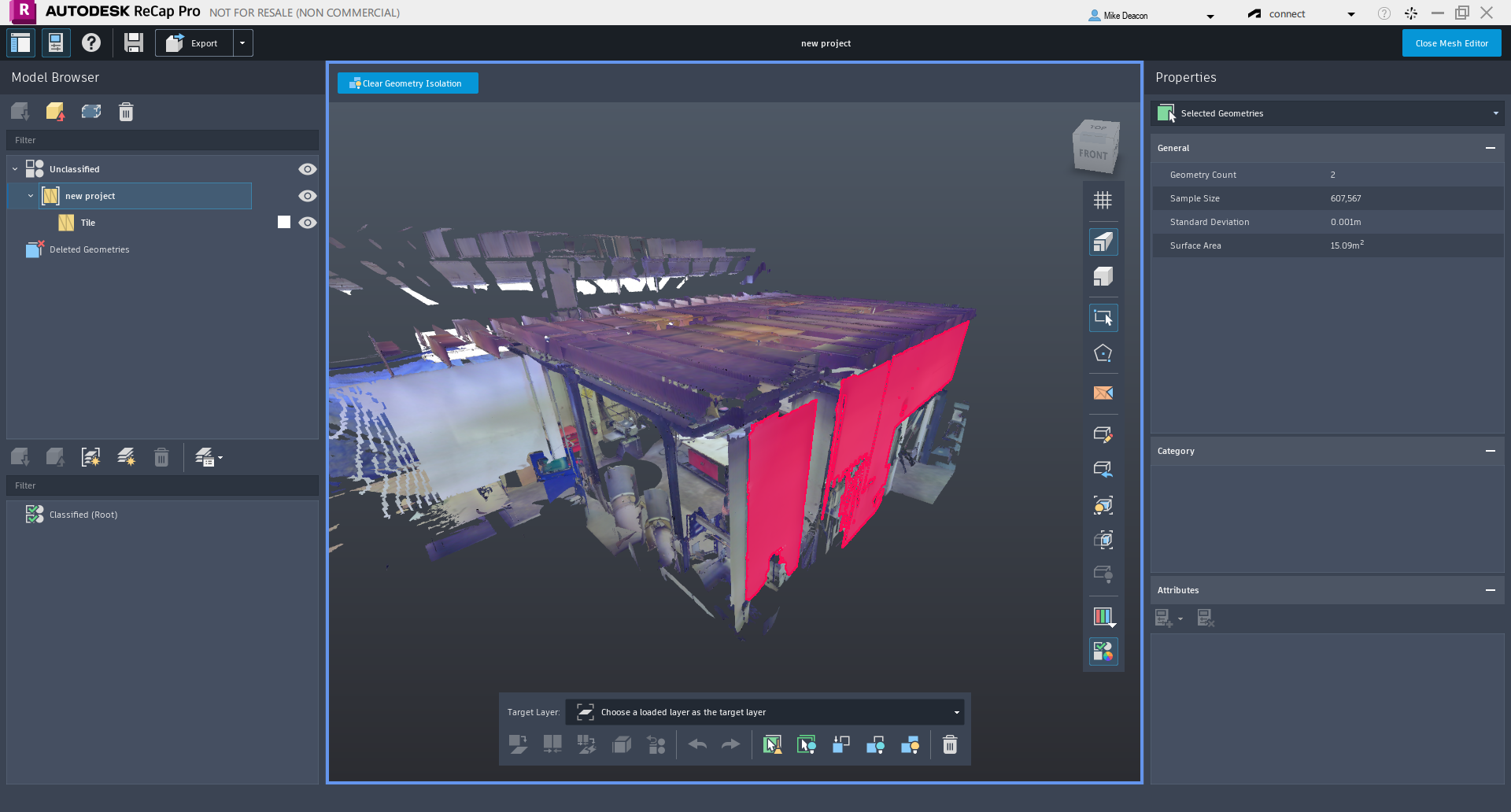
Isolate geometry, set limit boxes faster, and auto-merge objects to classify meshes in fewer steps.
What is it?
The Mesh Editor includes new tools that make manual classification faster:
- Isolate geometries. Temporarily hide everything except the surfaces you are working on, or hide the surfaces you don't need. Repeat to narrow the view, then clear isolation to return to your previous view.
- Auto-merge and classify. Combine connected mesh surfaces into individual objects and move them into a target layer in one step.
- Limit box enhancements. Set the limit box to the visible model, or to the selected geometries. Intersecting surfaces now appear on the limit box planes, so you can position it accurately.
- In-app guidance. A guide introduces new features and suggested workflows when you first open the Mesh Editor.
Why is it useful?
- Work on the right surfaces. In dense or cluttered areas, isolation removes the clutter so you select only what you intend to classify.
- Fewer repeated actions. Auto-merge turns many surfaces into well-defined objects in one step, which is especially helpful after pre-classification.
- Get into tight spaces. Limit box improvements make it easier to move into complex areas of the model.
- Faster start. In-app guidance shortens the learning curve for new users.
How it fits your workflow
Use these tools in the Mesh Editor to verify the pre-classification results and quickly produce intelligent, object-based reality capture data that is ready to export to your workflows.