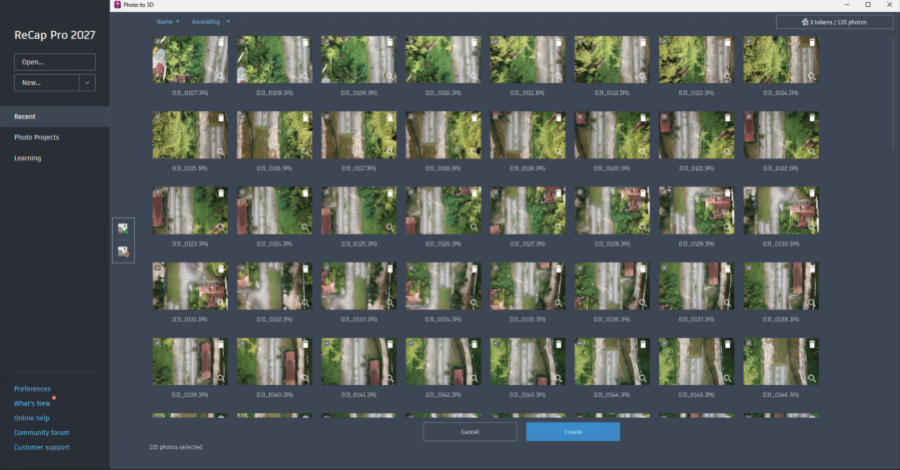
New ReCap Home
The new ReCap Home page provides more ways to view, sort, and find your models. The new home page also aligns with other products within the AEC collection suite.
Recent Page
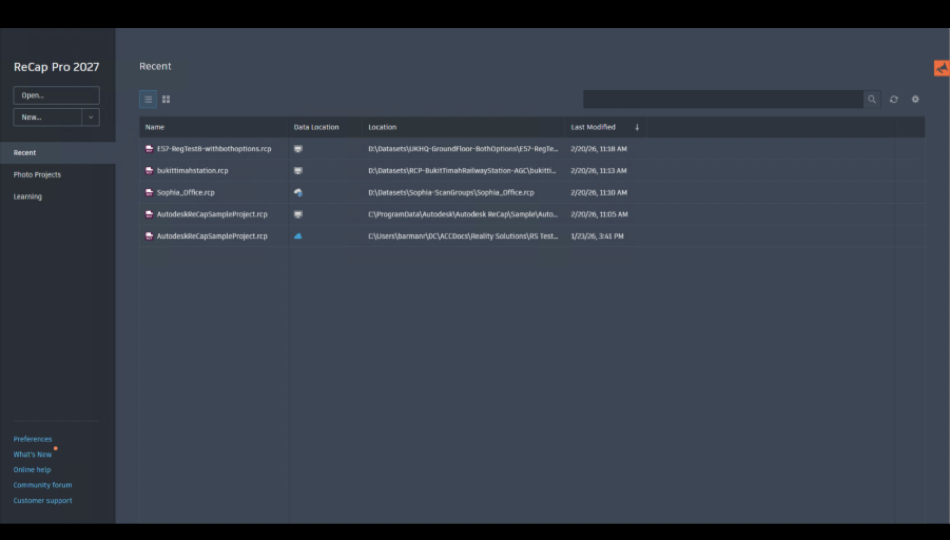
Features:
- Grid and List views available
- Search feature
- Sort by Last Modified, Name and Location Path
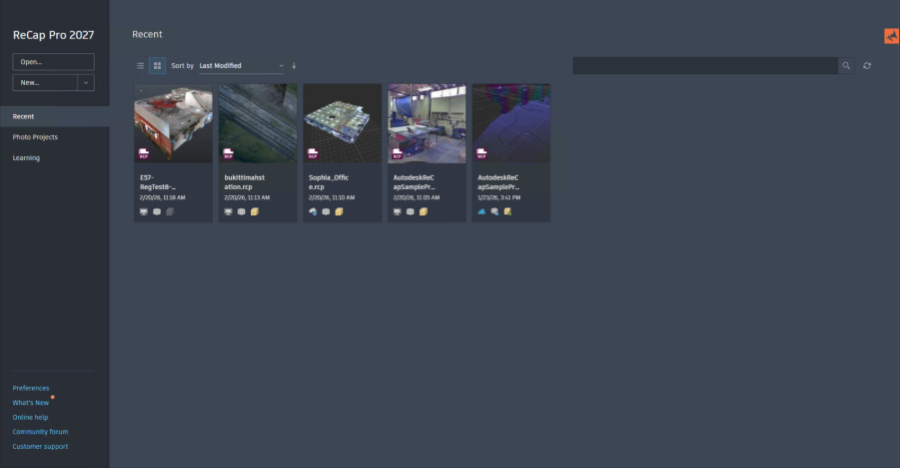
- Project Indicators (Grid View)
- Data Location Indicator (List View)
Grid View with Indicators
The grid view will display project thumbnails with the project name, last modified date and time and project indicators. Learn more about project indicators.
Learning Tab
ReCap Pro Homepage has a new learning tab that will display videos and tips for getting started with different workflows and functionalities.
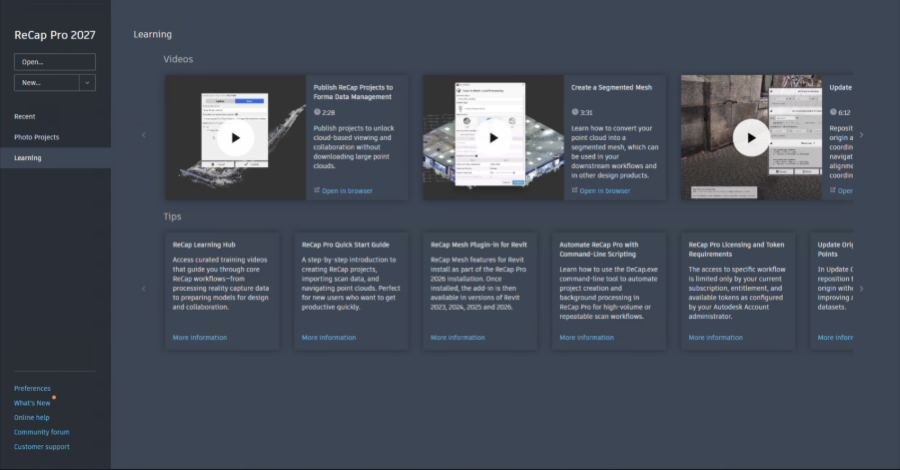
Photo Projects Page
The Photo Projects tab will display Photo to 3D projects.
Start a New Project
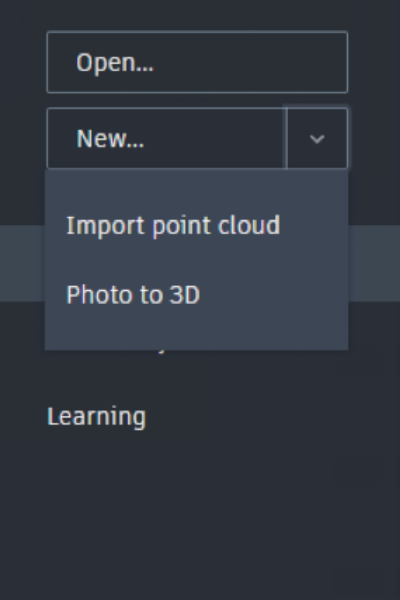
A new project can be created by clicking on the New button. The New button will display 2 options for your project type:
- Import Point Cloud
- Photo to 3D
The Import Point Cloud option will trigger the workflow to import raw scan files for import, registration and index.
The Photo to 3D option will trigger the Photo to 3D workflow for Aerial or Object based Image processing. The Photo to 3D window has a new dark theme that aligns with the overall ReCap Pro Home.