Flow Production Tracking End User Account Setup
 Contents
- Creating an Autodesk Account
- Logging in to Flow Production Tracking
- Configure 2FA
- Configure your Personal Access Token
Flow Production Tracking is transitioning from using Flow Production Tracking accounts to Autodesk accounts.
If you are logged into your Flow Production Tracking site with Autodesk Identity, you have already transitioned to using your Autodesk account and no further action is needed (your Flow Production Tracking account was automatically ported to your Autodesk Identity).
If you received an email from your Flow Production Tracking site administrator, then you need to create an Autodesk account.
Creating an Autodesk Account
If your email address used in Flow Production Tracking does not match an active Autodesk Account, you will receive an email from Flow Production Tracking inviting you to complete your account creation.
This email invite is triggered by your Flow Production Tracking admin as part of the migration process. Follow the link in your invite email to complete your account creation. It is imperative that you keep the same email address in your Autodesk Account, as it is used to associate your Flow Production Tracking user with your Autodesk account until the end of the migration process.
If you already have an Autodesk Account with the matching email address in Flow Production Tracking, you will receive an invitation to access your site.
You manage your Autodesk account from https://profile.autodesk.com/.
Logging in to Flow Production Tracking
Legacy Flow Production Tracking Login Credentials
Before migrating to Autodesk Accounts, you used your legacy Flow Production Tracking site authentication which included your Flow Production Tracking login and password.
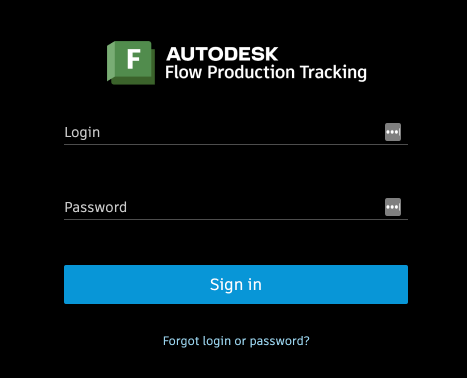
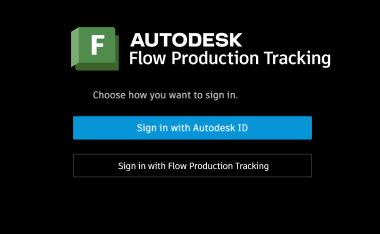
Dual Login Mode
While in the process of migrating, your Flow Production Tracking Administrator may have activated Dual Login Mode. In this transition phase, you will be promted to either use your Flow Production Tracking site login credentials, or your Autodesk Identity to log in.
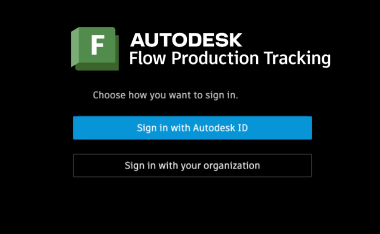
If you are using SSO, you will have the option to sign in with your organization.
Logging in with Autodesk Identity
After the migration process is complete, you will use your Autodesk Identity to log in to your Flow Production Tracking site moving forward.
Configure 2FA
Configuring a 2FA for your account is a good security practice. Also, your Flow Production Tracking admin can require you to have 2FA enabled to access your Flow Production Tracking site. You can configure your 2FA settings from https://profile.autodesk.com/.
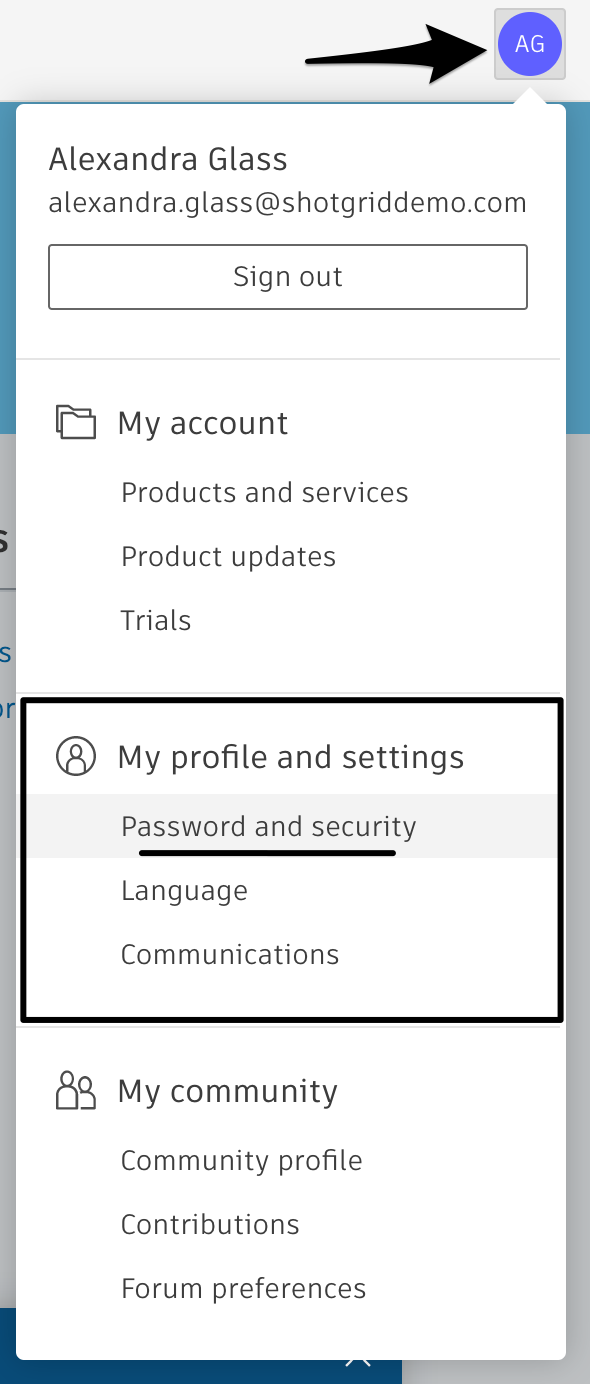
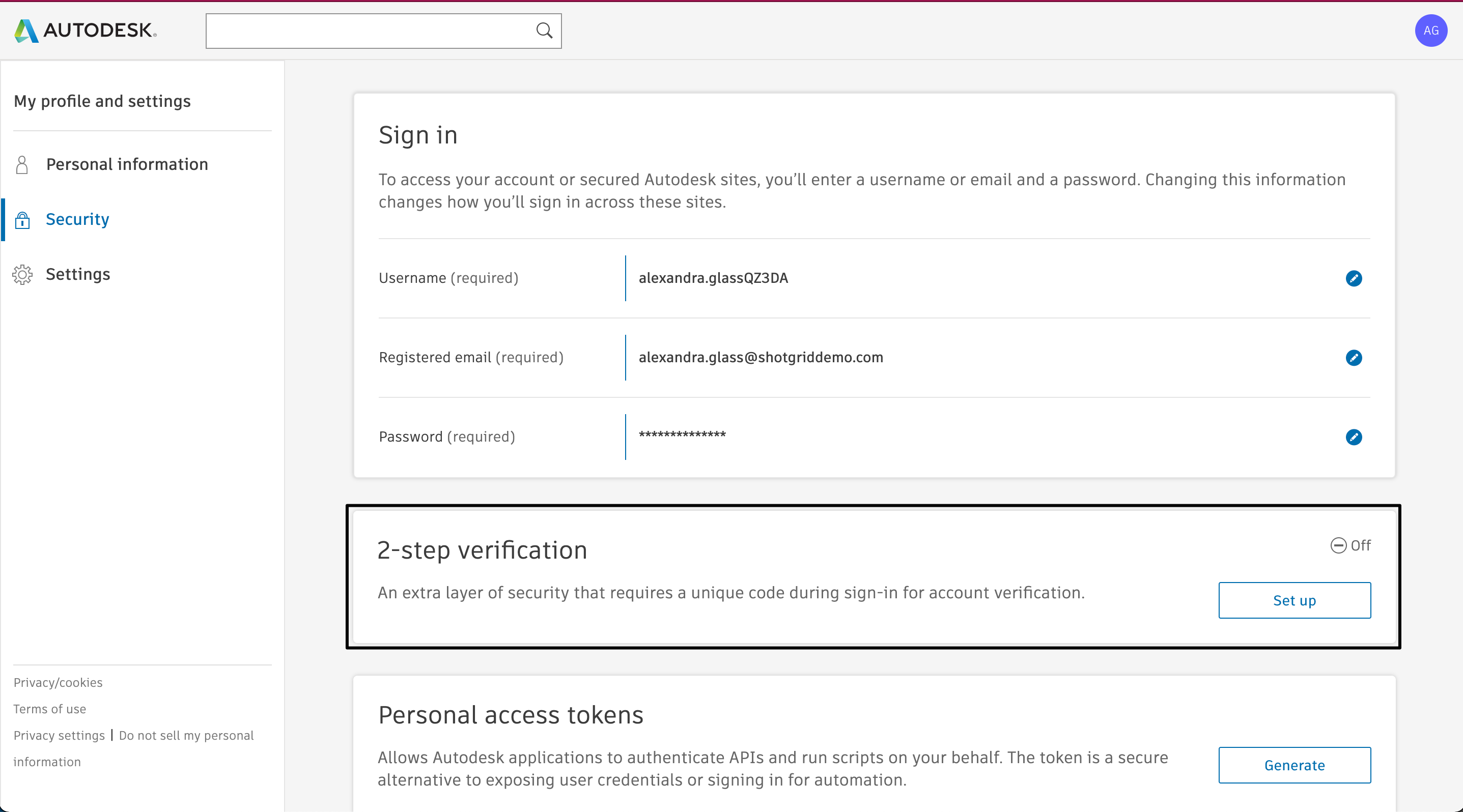
To learn more, see Set up two-step verification.
Configure your Personal Access Token
Tutorial: Configure your Personal Access Token (PAT)
If you use tools outside of a web browser that log you into Flow Production Tracking, then you need to set up a Personal Access Token (PAT) to continue using this form of authentication.
Configuring PAT is a two step process:
Generating your Personal Access Token
Once your site has begun or completed its migration, you will be able to associate a PAT generated in your Autodesk Identity profile to your Flow Production Tracking user.
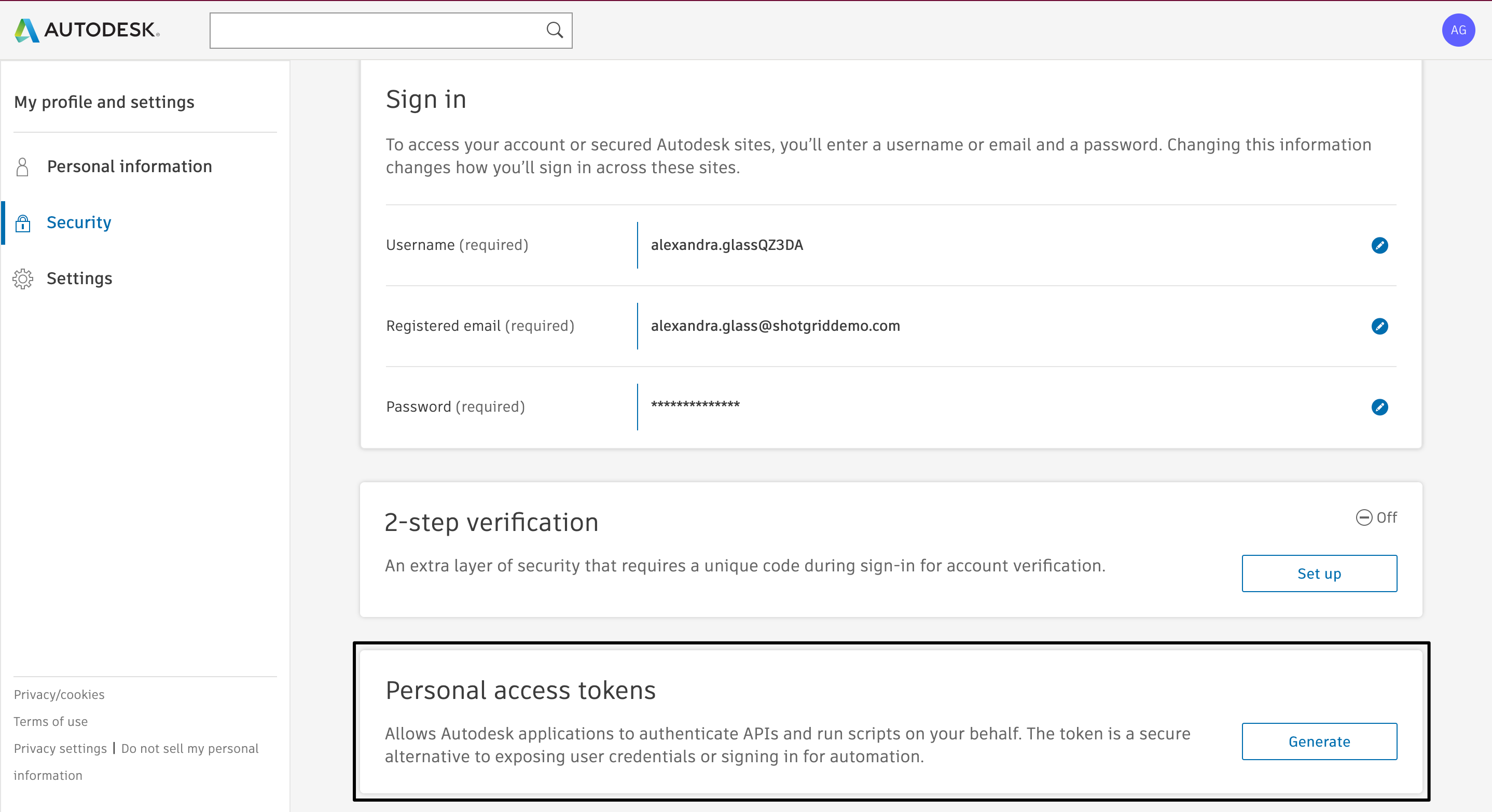
- Go to your Autodesk Profile under the Security tab.
- In the Personal access tokens section, select Generate.
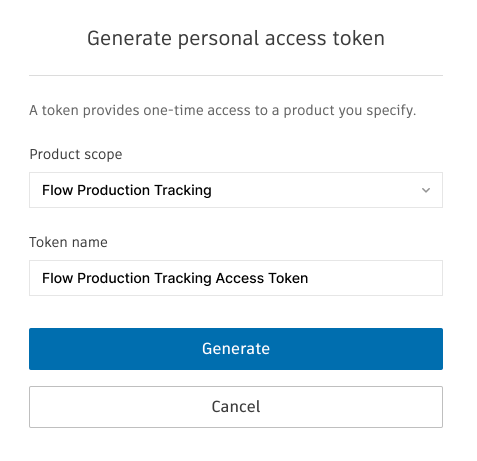
- From the Application scope list, select Flow Production Tracking .
- Give a name to your token in the Token name field. Then select Generate.
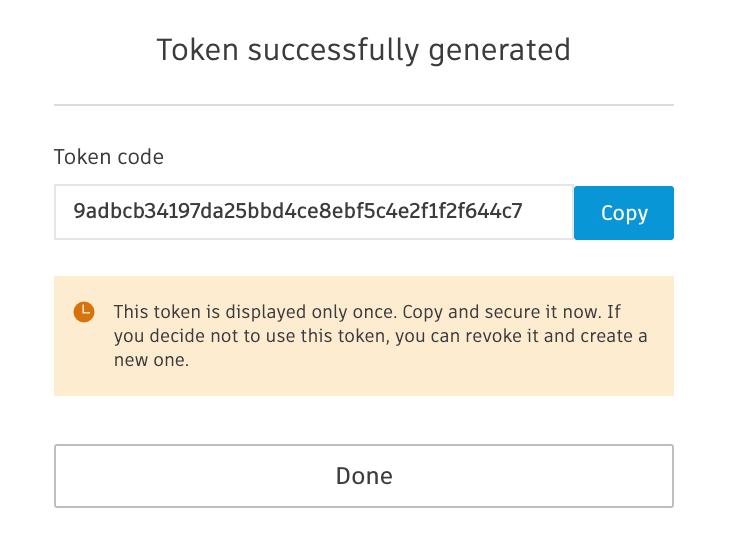
This generates your Token code. This token is displayed only once. Make sure to keep a copy of it in a safe place. It is this token that you will copy over into your Flow Production Tracking site profile.
Save your Personal Access Token in your profile
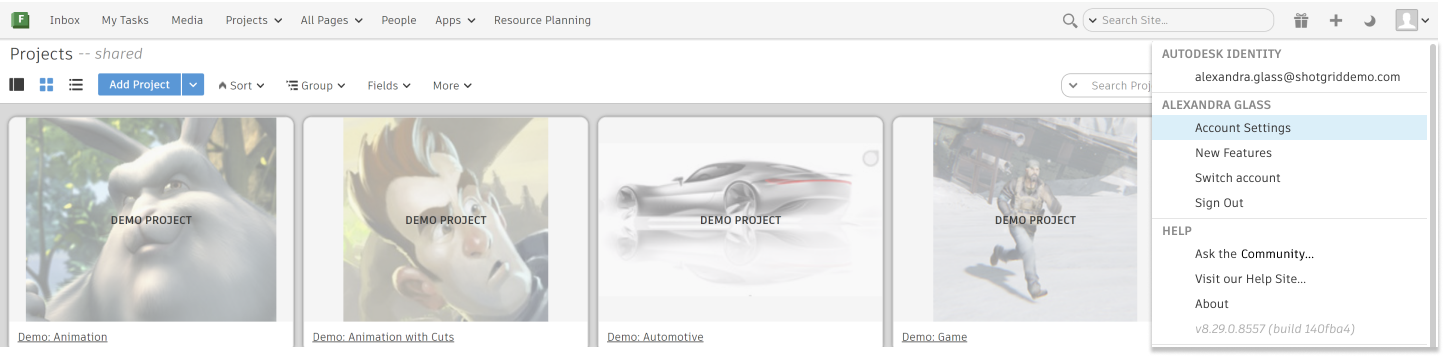
- On your Flow Production Tracking site, select your profile through the user settings menu, and then select Account Settings.
- On your profile page, select Legacy login and Personal Access Token.
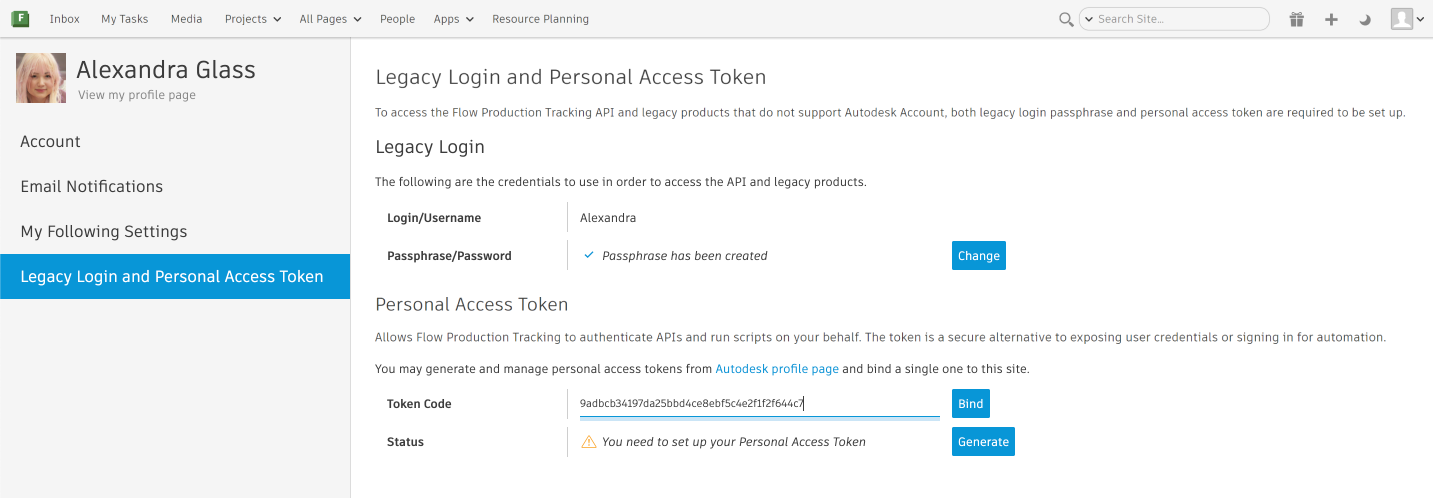
You will need to be logged in with Autodesk Identity to access the Personal Access Token section.
- Paste your token code in the Personal access token text field (see above image).
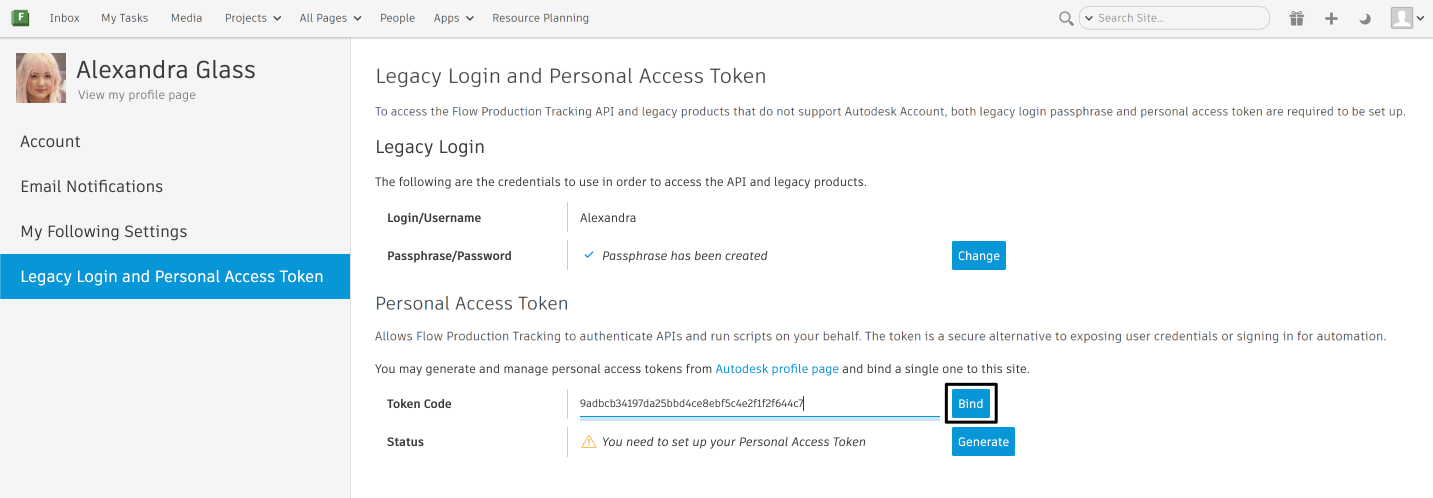
- Select Bind.
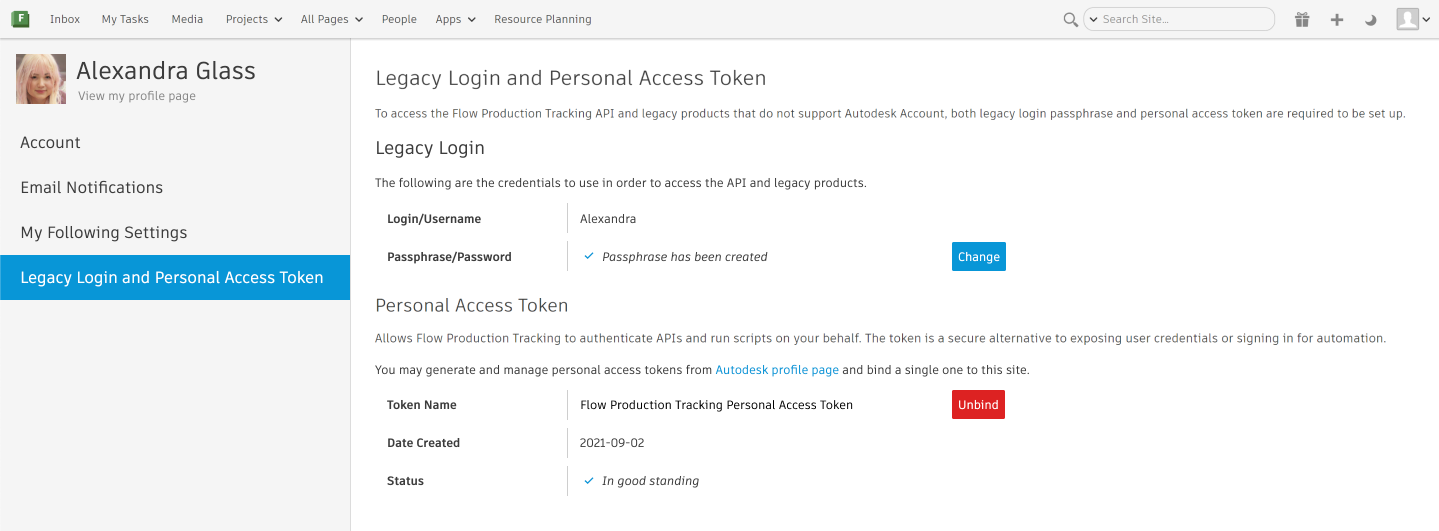
You are now ready to use your external applications.