To Create a Program
A program is a collection of operations, such as fiber placement and probing, that can be simulated together. Add a program to your project after you have added a machine and a setup.
-
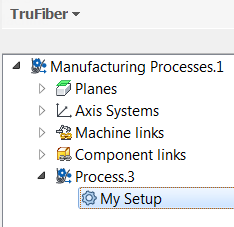
Select a setup under your process in the TruFiber browser.
-
Click Program on the TruFiber ribbon.
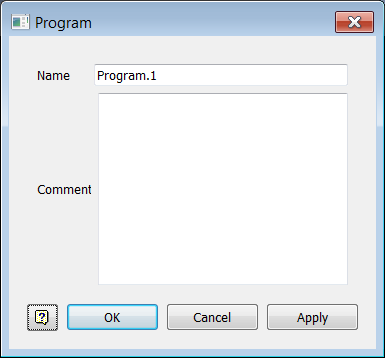
The Program dialog box opens.
-
Enter a name for the program and any relevant comments, then click OK.
-
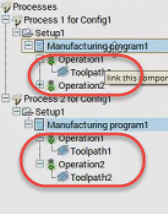
With the new program selected in the TruFiber browser, click Fiber Placement or Probing on the TruFiber ribbon to create some operations.
Operations are shown in the TruFiber browser under the program.
Tip: See Fiber Placement Reference.