Work in Detailed Takeoff View
You can see a list of outputs of takeoff items for the active takeoff type in detailed takeoff view in the Takeoff Types panel in the Takeoff viewer.
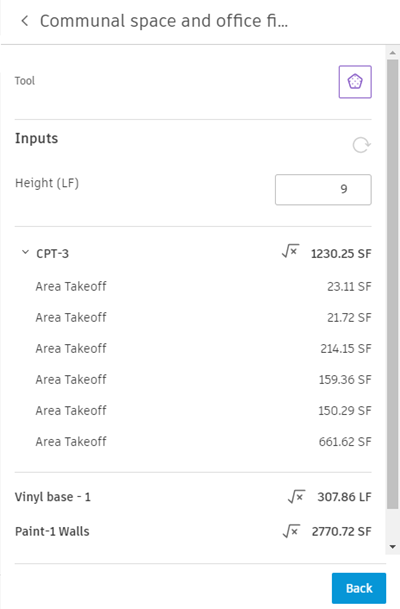
Access detailed view by double-clicking the takeoff type in the Takeoff Types panel. You can also access detailed takeoff view by selecting Detailed Takeoff in the More menu for a takeoff type.
Detailed takeoff view offers in-context view and edit access to properties of takeoff on sheets and models without opening the Inventory panel.
- 2D sheets - Edit a property like height on an instance and easily find and adjust multiple takeoff items of the same type.
- 3D models - Work with large groups of objects at once. For example, review and edit multiple-object selections and their details before applying the changes.