Working with Analyses
An analysis is an assessment of the fiber path and surface mesh grids of a strategy to find irregularities or distortions. This is so you can adjust your strategy to optimize how your part will be manufactured. An analysis only provides information about your design and your strategy, and highlights areas that could cause problems during manufacturing. If you need to correct problems, you likely will have to do so in your strategy or even in your original design.
You can set up multiple analyses for a strategy, and you can create analyses for one or more strategies at once.
Create an Analysis
-
In the TruPlan browser, select one or more strategies.
Alternatively, select a root, layup, or sequence to create an analysis for all strategies within that element.
-
Right-click the selection and select Add Analysis.
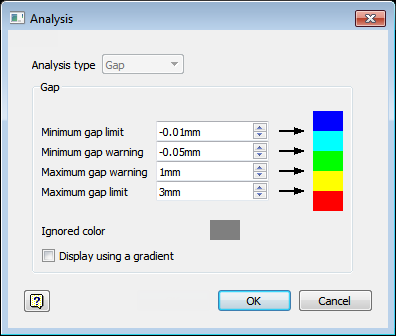
The Analysis dialog box opens.
-
Select a type from the Analysis Type box.
-
Click OK.
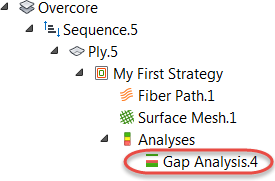
The analysis is created under the strategy (or strategies) you selected.
Create All Analysis Types at Once
- In the TruPlan browser, select one or more strategies.
-
Right-click the selection and select Add All Analyses.
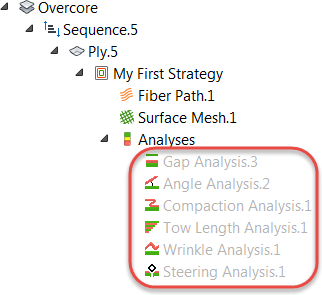
The analyses are added beneath the strategy (or strategies) in the TruPlan browser, using the most recent settings.
Show the Results of an Analysis
- In the TruPlan browser, navigate to the analysis you want to see.
- Right-click the analysis and make sure that Enabled and Visibility are selected.
- If automatic updates are not enabled, right-click the analysis and select Update.
- Right-click other elements of your project and deselect Visibility to make it easier to see your analysis, including:
- Other analyses
- The fiber path and surface mesh under the strategy
- Geometry surfaces
Modify or View the Settings of an Analysis
- Navigate to the strategy under which the analysis is located.
- Double-click the analysis to open the Analysis dialog box.