Document attributes
As a tenant administrator, you may create custom Document attributes. These attributes appear on a document’s details view and may be used to provide more information about the contents of the document without having to download and open the document.
Note: Document attributes appear only on a document’s details view and are not searchable.
To add a document attribute:
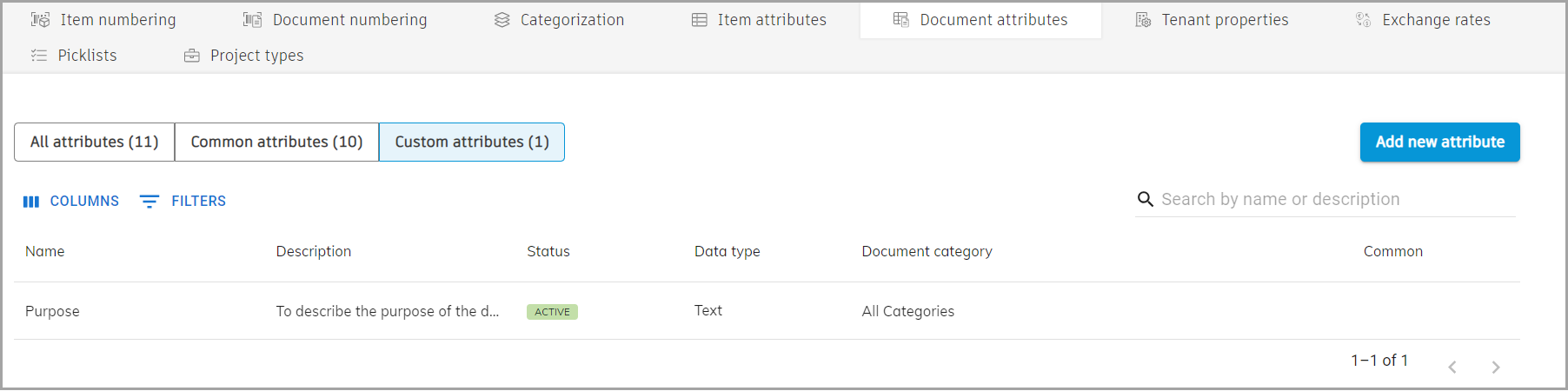
Navigate to Administration > Engineering > Document attributes.
Click Add new attribute.
The Add custom attribute window opens.
Type in a name and description of your new custom attribute.
Specify the data type for the attribute.
Set the status of the attribute.
Select the document category that this new attribute applies to.
Click Save.
The custom document attribute is added to the list.
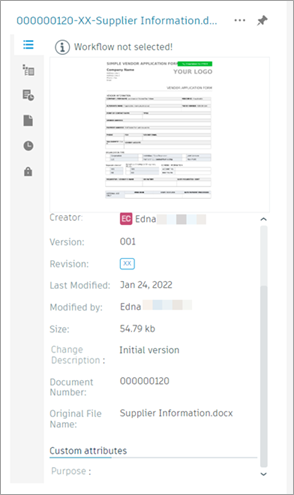
Note: Once your custom attribute is active, it is applied to documents uploaded after the attribute is configured. In other words, it does not appear on documents already uploaded to Upchain.