Get started with project management
Activities are an essential part of project planning: they enable you to clearly identify what needs to be done when it needs to be done and by whom. Project management activities include tasks, milestones, and stage gates.
Navigate to a project’s activities interface by opening the desired project then clicking the project management icon ( ) in the project sidebar.
Project management interface overview
The project management interface displays a project’s activities in list view. You will see an activity's name, priority, status, assignee, start date, and duration.
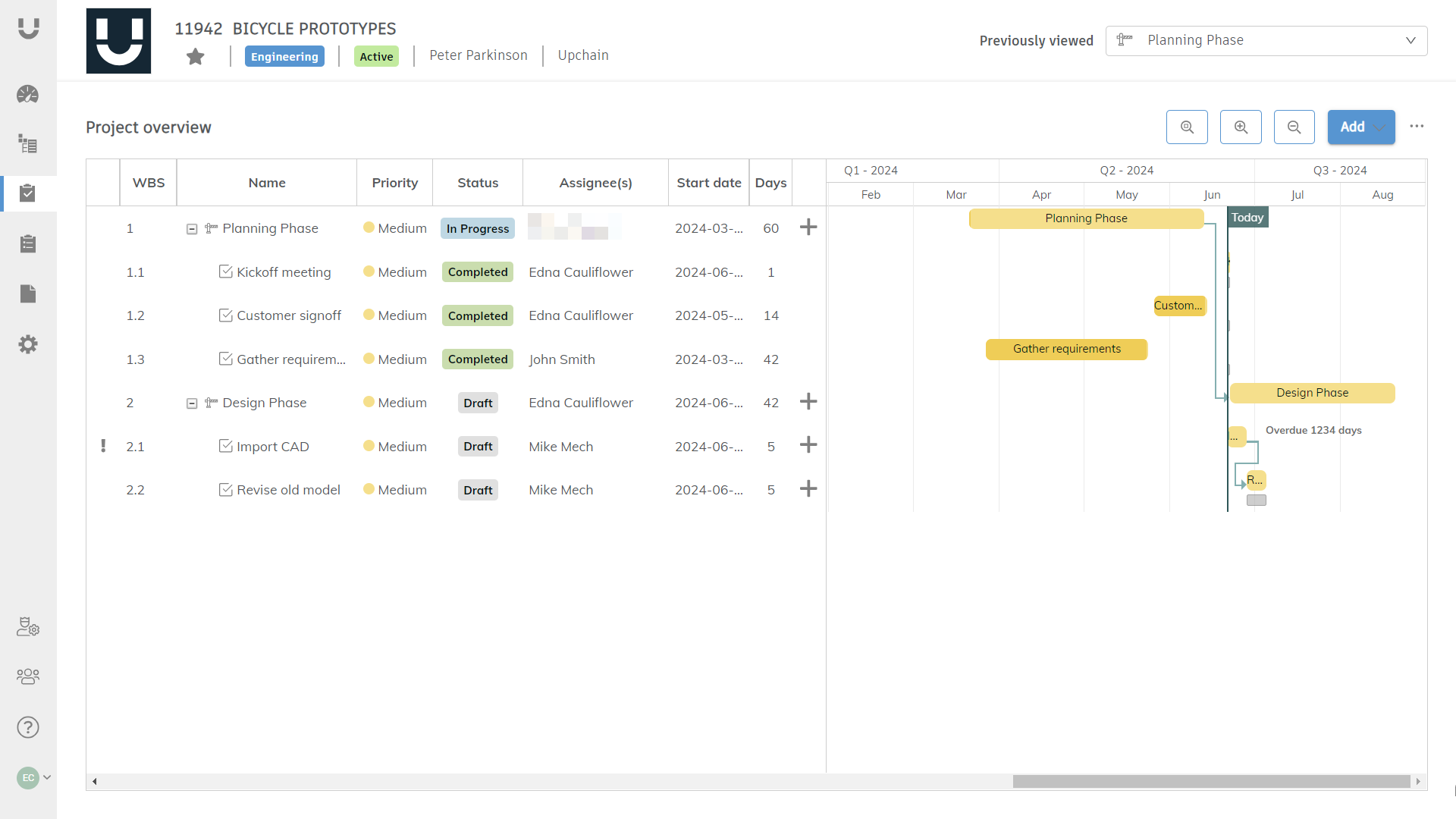
Activities are listed on the left side of the page and the Gantt chart is shown on the right side.
Click the magnifying buttons to zoom in, zoom out, and zoom-to-fit the Gantt chart.

Click Add in the top-right corner to add a new project management activity to the top level of the list of activities.
To add a child task to an existing activity, click Add (
 ) to the right of the activity. Only the creator of the activity may add additional sub-activities.
Click more actions (
 ) to access more options, detailed in Work with the Gantt chart.
Assignees that have an out-of-office (OOO) notification set for their account shown an out-of-office icon (
 ) next to their name. Assignees show as out-of-office as long as their OOO timeframe overlaps with the activity's 'Planned start' duration or 'Actual start' duration.
Detail view
Click an activity in list view to open its detail view. The detail view contains additional information about the activity, as well as the workflow buttons to enable the activity assignee to progress the activity's workflow.
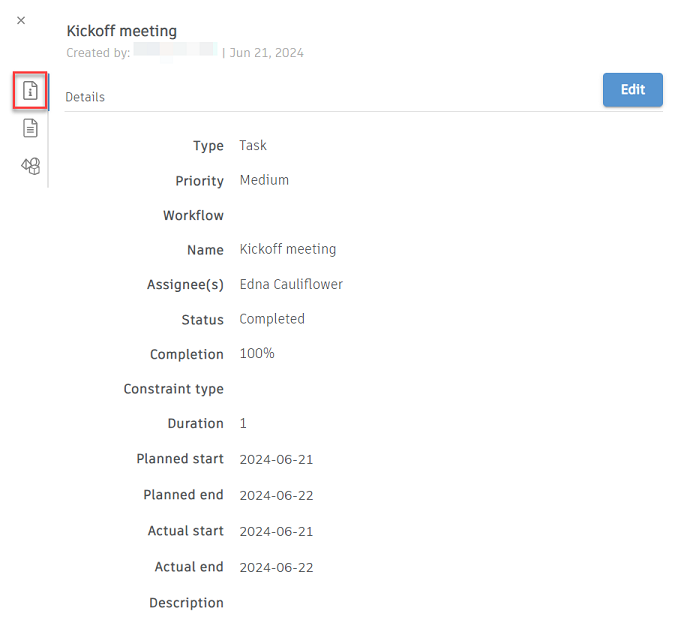
Details tab
The details tab is shown by default when you open an activity's detail view. This tab contains the workflow buttons as well as all of a selected activity's details, including its type, priority, workflow, name, assignees, their out-of-office status (if applicable), start date, constrain type, duration, planned start/end and actual start/end, status, completion percentage, and description.
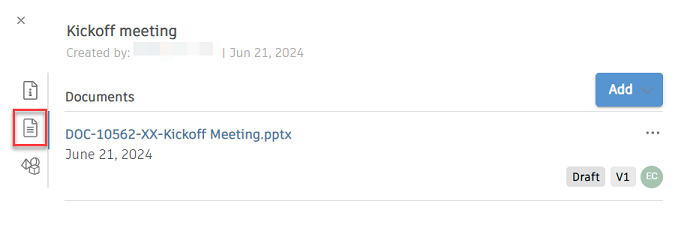
Documents tab
The documents tab shows a list of all documents that have been added to the selected activity. The information shown includes the document name, upload date, workflow status, version number, and creator.
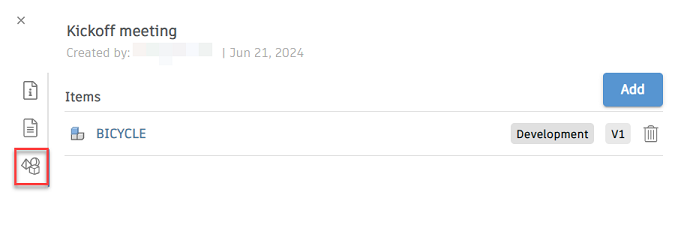
Items tab
The items tab shows a list of all items that have been associated with the selected activity. This is helpful for quick access to BOM items related to the activity. For example, the activity might be for gathering additional requirements for the item associated with the activity. The information shown includes item type, name, workflow status, and version number.
Project management activity types
- Task - This type represents basic action items. Tasks can be standalone assignments or part of a subset of larger, more time-intensive activities.
- Milestone - Milestones mark a key point in the project. Use milestones to help you accurately determine whether your project is on schedule.
- Stage gate - Stage gates mark decision points in the project. Best used when the continuation of the project depends upon approval.
Project management activity priorities
An activity's priority level defines its importance in relation to other activities. Ranking your project management activities can help you organize them more effectively. Each priority level has a specific color, and the activity will be displayed in the Gantt chart with that color. Here is a list of priorities and how they might be used in your project plan:
- Low (Green) - Activities that are not urgent and not important.
- Medium (Yellow) - Activities that are not urgent but important.
- High (Light red) - Activities that are urgent but not important.
- Critical (Deep red) - Activities that are important and urgent.