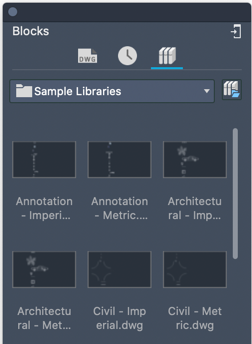
Specify a drawing file or a folder to access your AutoCAD blocks. Sign in to your Autodesk Account to access block libraries on your cloud storage.
Block libraries have been updated for greater flexibility. To select a block library, you can use the following methods on the Blocks palette:
- Specify a drawing that contains the block or blocks
- Specify a folder that contains the drawing files
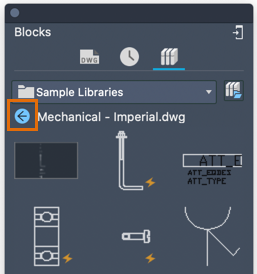
- Double-click a drawing within a folder to display the blocks within that drawing. Use the back button to return to the selected folder.
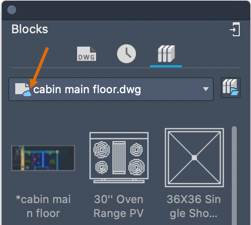
- Specify a cloud storage file or folder that contains the blocks. Use this method to share blocks across devices. A block library located on the cloud is indicated on the palette.
Note: Select Sample Libraries to access the legacy block libraries.