
Use this procedure to add a frame assignment to a door/window assembly. To assign different definitions to different frame edges, you need multiple frame assignments.
- Click
 .
. 
- Expand Architectural Objects Door/Window Assembly Styles. Note: Alternatively, select a door/window assembly in the drawing, and click .

- Select a door/window assembly style.
- Click the Design Rules tab.
- In the left pane, select the grid in which you want to create a new frame assignment.
- Click
 (new frame assignment).
 A new frame assignment is displayed in the list of frame assignments.
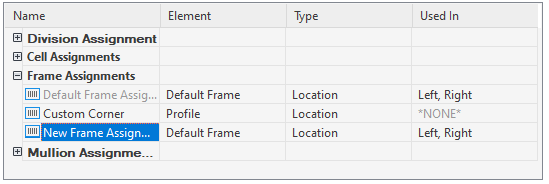
- Right-click the default name, click Rename, and then enter a descriptive name.
- Under Element, select a frame definition.
- Specify the sides of the frame to use this frame assignment.
- Click OK.