
Rim Light - Arnold User Guide
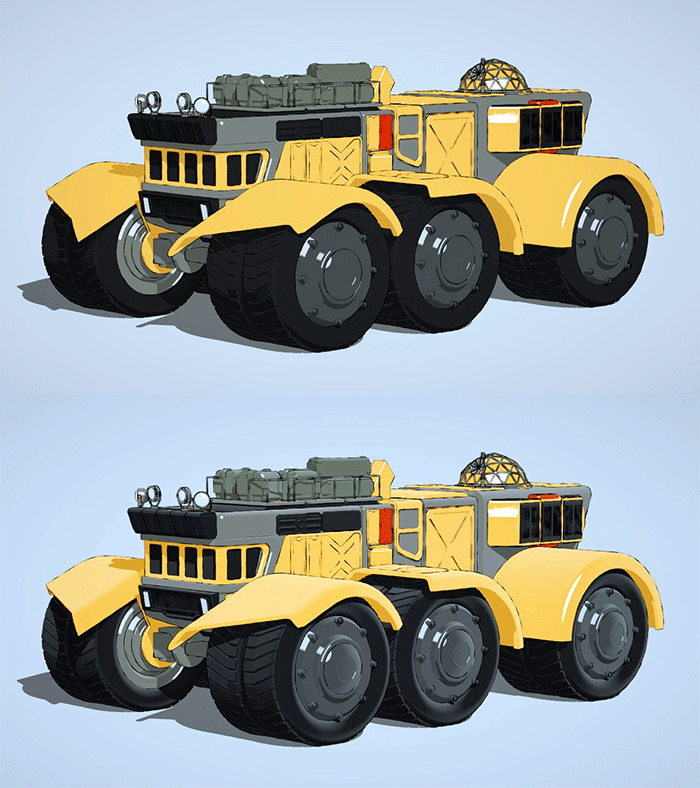
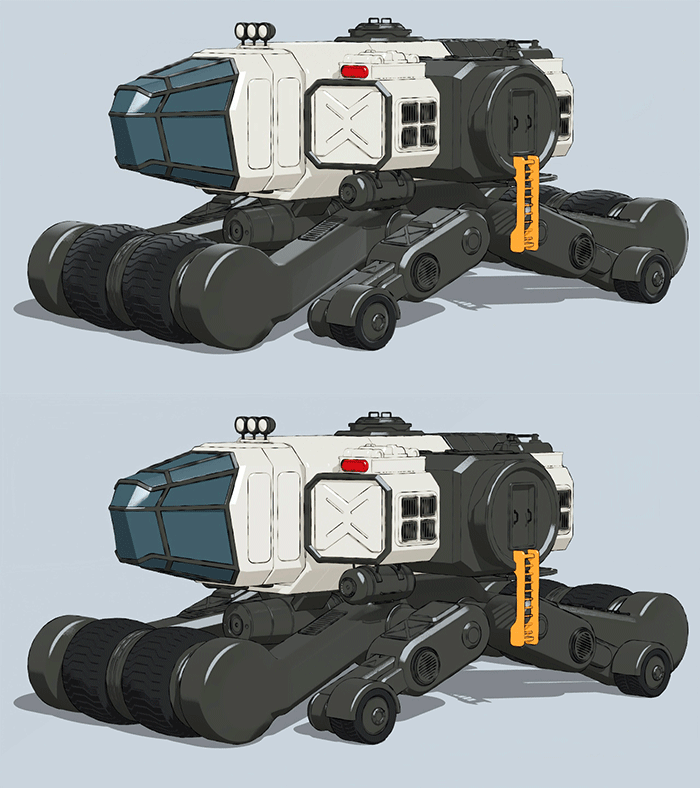
Rim Light extracts rim lighting out of the built-in Toon shader into a standalone node. As part of the Modular Toon initiative, it can be layered onto any shader network, not just Toon, and manipulated as a discrete RGB component rather than a fixed, built-in effect.
 |
 |
Light
Specify the name of the light to be used here. Rim lighting is affected by the shadow of this light. The supported light types are: Distant, Point, Spot, and Photometric.
- The Mesh Light and Skydome Light are not supported since they can create blurred results.
- Multiple lights are not supported with Rim Light.
Color
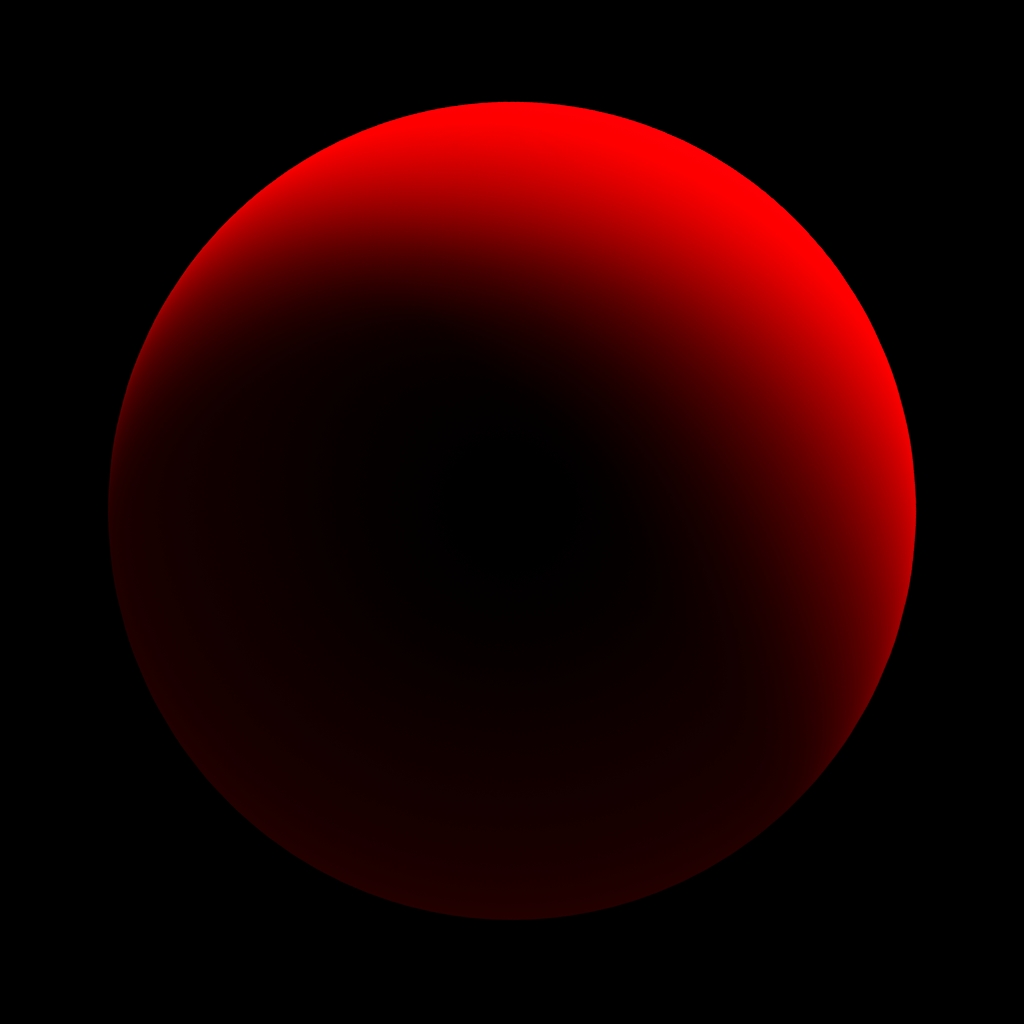
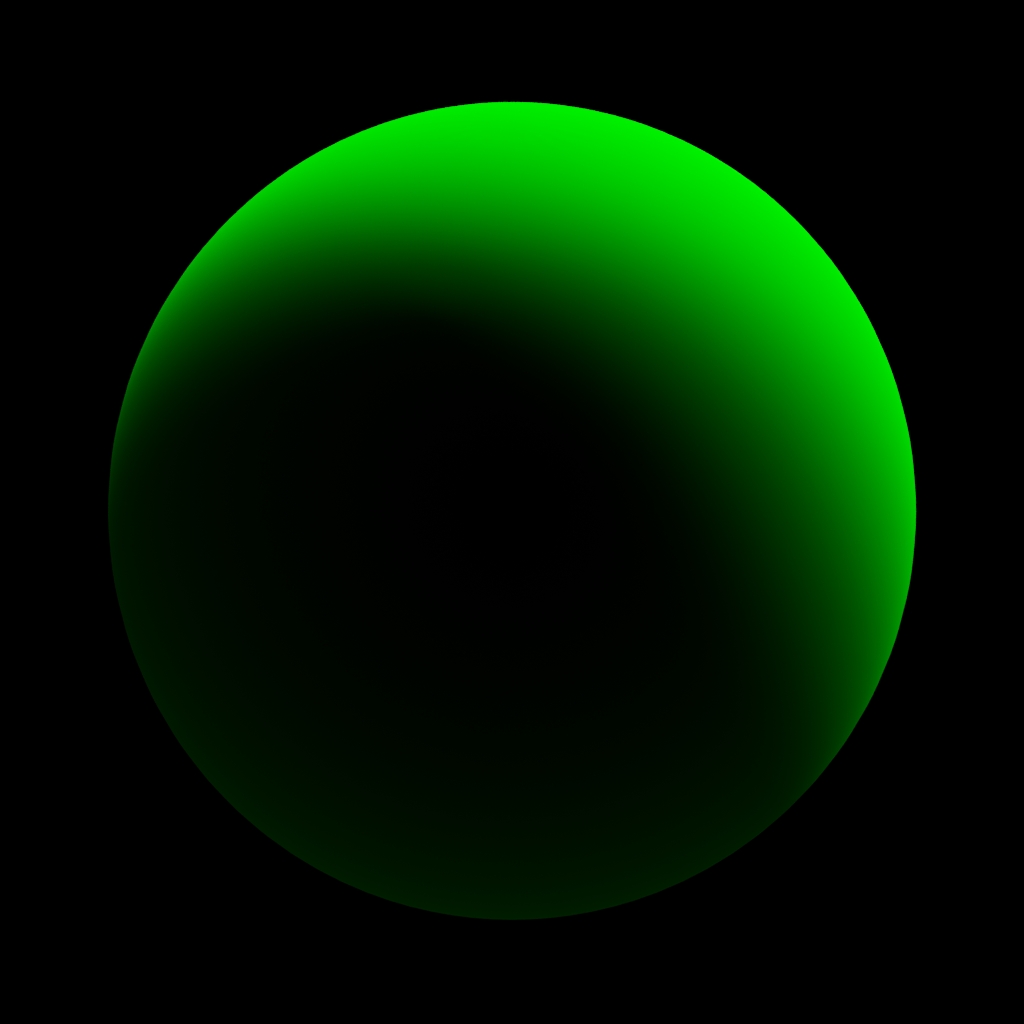
The RGB color and intensity of the rim light.
 |
 |
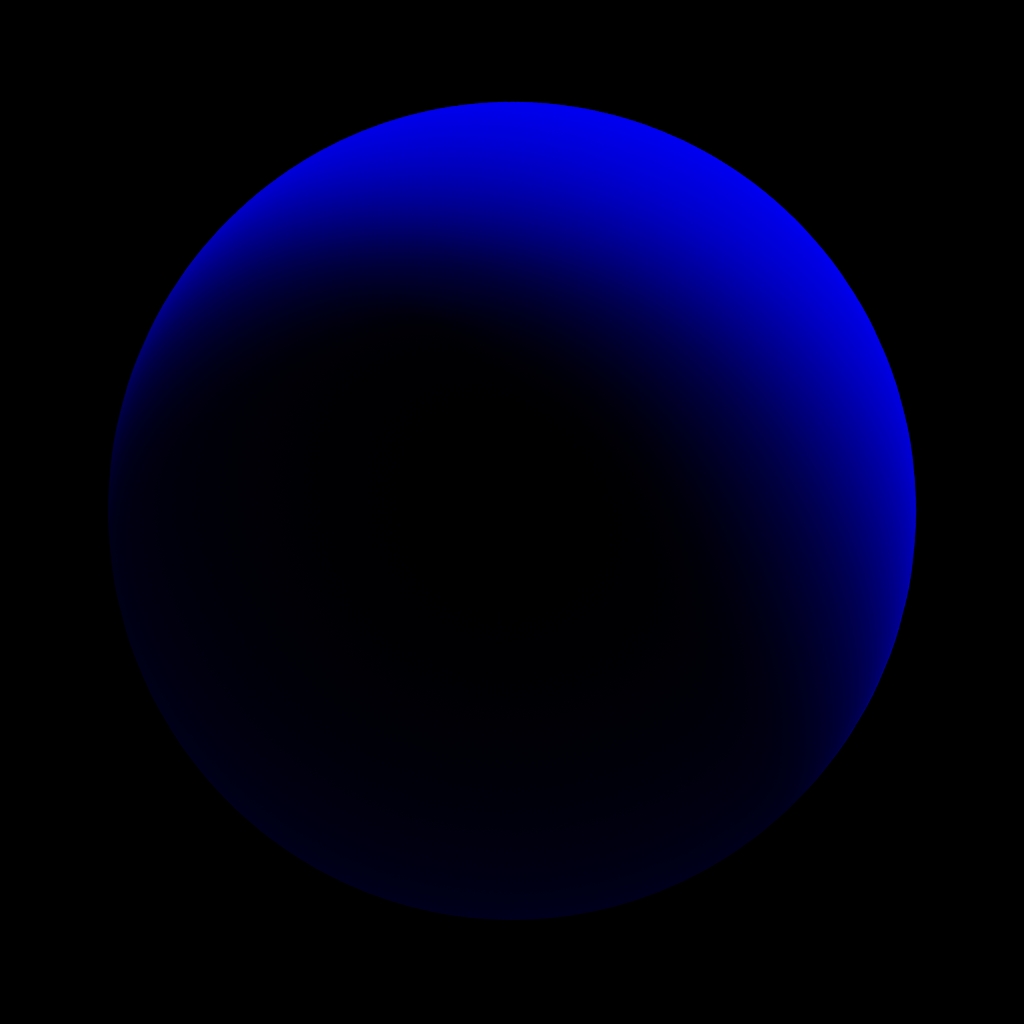 |
| red | green | blue |
Width
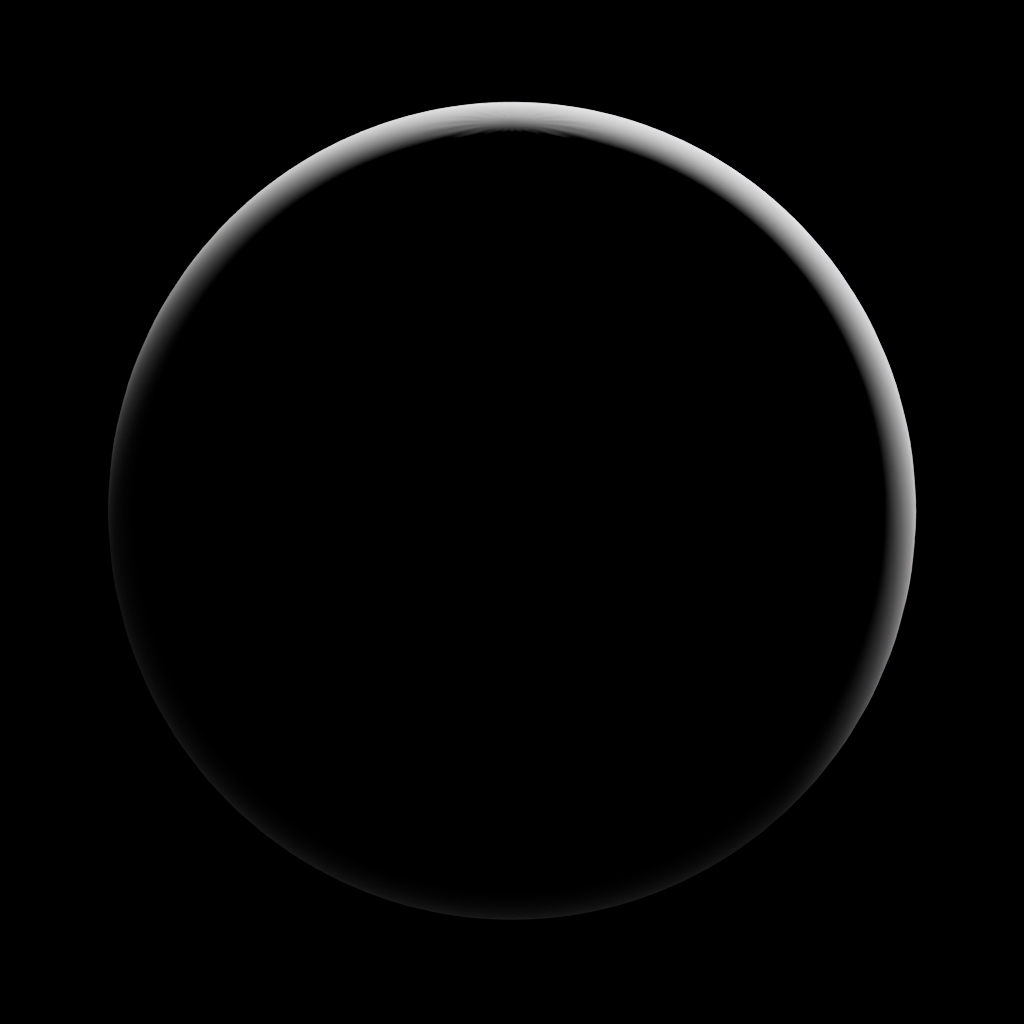
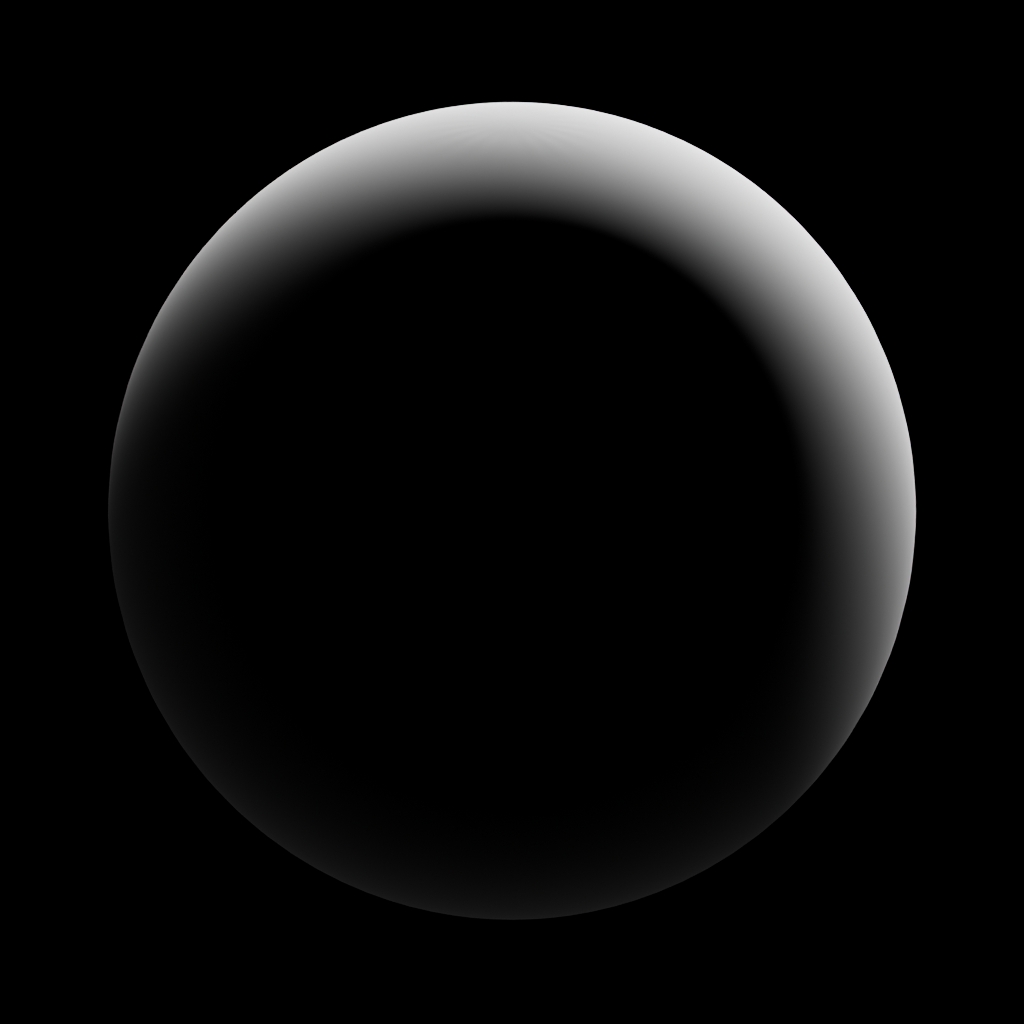
Controls the thickness of the rim effect, from 0 (no rim) to 1.
 |
 |
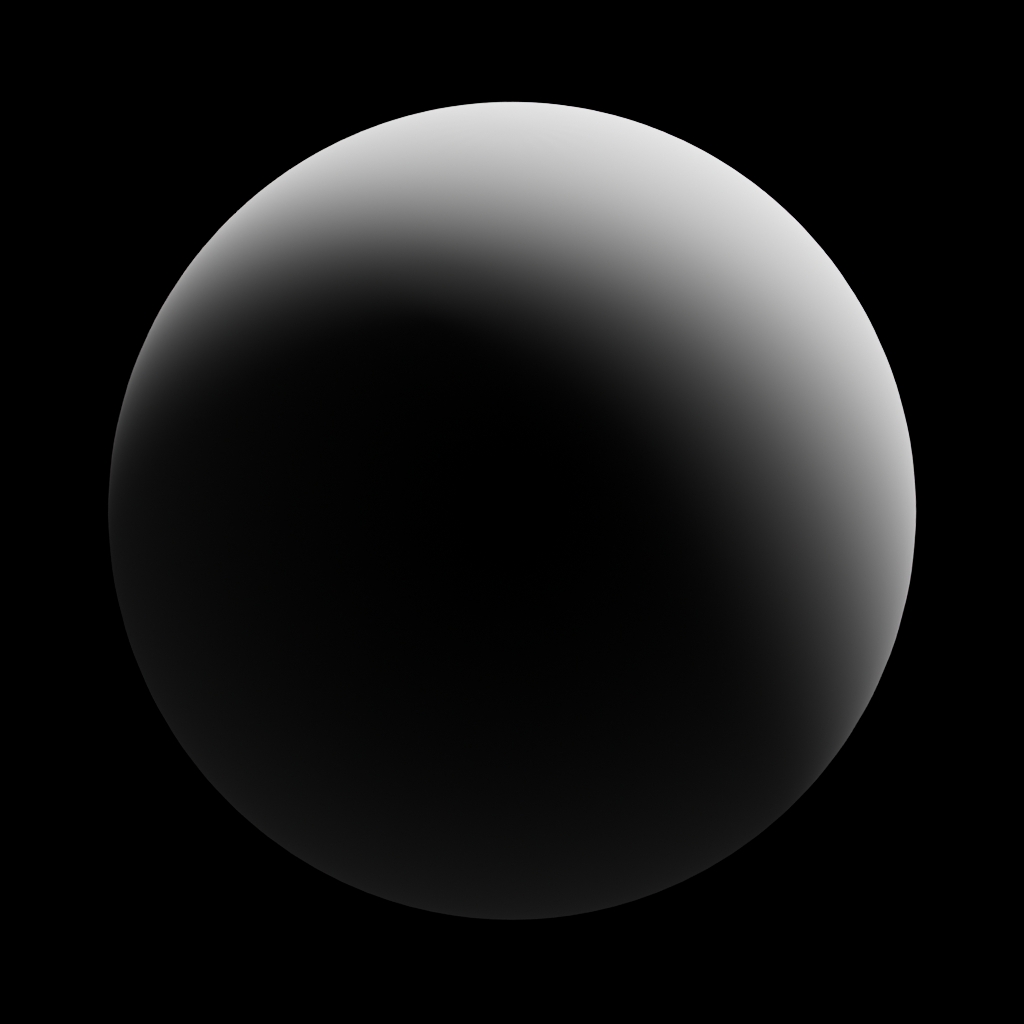 |
| 0.25 | 0.5 | 1 (default) |
AOVs
AOV Rim Light
Name of the AOV that the rim light contribution is written to. Defaults to rim_light.