
Issue:
While working in AutoCAD products ghosted, duplicate, deleted, or dragged versions of objects and/or the crosshair appear on the screen. Objects that have been moved or deleted may remain on-screen until use pan or zoom.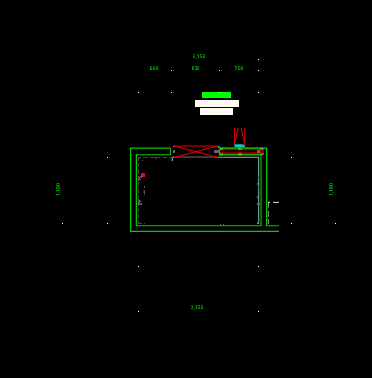
Causes:
- The graphics card may not support hardware acceleration, the driver may be out of date, or it may be corrupted.
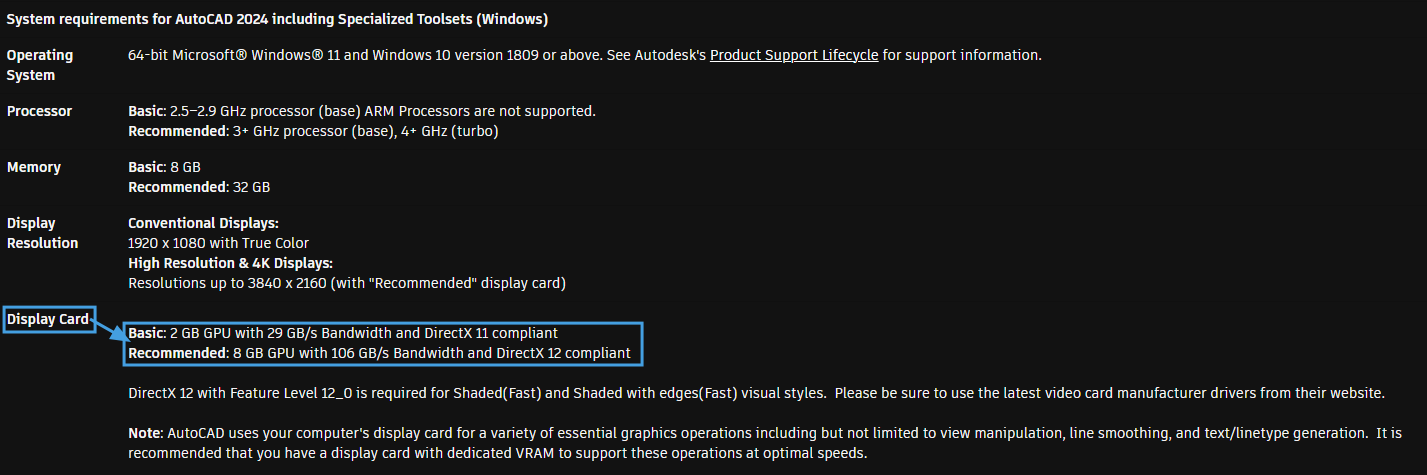
- The specifications (Memory, Direct X) of existing graphics card does not meet the graphics system requirements of AutoCAD products.
- There may be duplicates of the objects which overlap each other, leaving one behind when the other gets moved.
Solution:
Do one or more of the following:
- Make AutoCAD(LT) to run using previous version or a different version of DirectX If existing graphics card specs(Memory, Direct X) does not meet AutoCAD(LT) system requirements. See How to use a previous DirectX version in AutoCAD Products.
- Verify that have a certified graphics card and driver version for combination of AutoCAD and operating system. See Autodesk System requirements Certified graphics hardware.
- If graphics card is not on the certified list, update to the latest video driver and set to high performance for graphics cards. See How to configure Autodesk software to use high-performance graphics.
- Toggle hardware acceleration on/off. See How to enable or disable hardware acceleration in AutoCAD.
- Clean reinstall the video driver. See How to do a clean installation of a graphics card driver.
- Ensure that there really aren't actual duplicate objects, If duplicate objects are found. See Optimizing drawing files in AutoCAD with Purge, Audit & Recover.
- Turn off Windows Aero by right-clicking on the desktop and choosing Personalize and then select the "Windows 7 Basic" theme for Windows 7 only.