
Provision Your Account in Forma
- To provision your Content Catalog account go to your Forma account
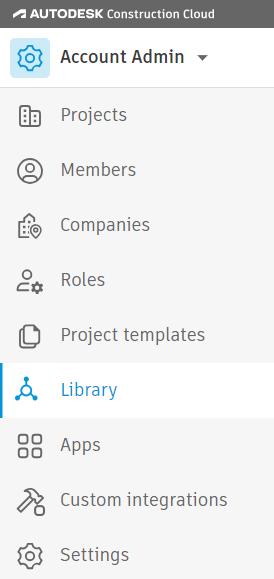
- As an Admin of your Forma account, go to Account Admin and select Library on the left.
Here you can select Content Catalog and accept the terms of use
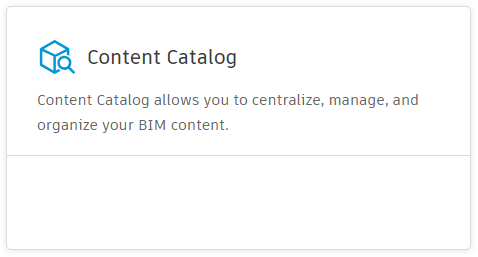
Your account is now provisioned. Use the Users section to add groups and users to Content Catalog.