
Issue:
Unable assign a user defined coordinate system in both AutoCAD Map 3D and AutoCAD Civil 3D.In AutoCAD Map 3D:
- Type MAPCSASSIGN in the command line
- Choose your user defined coordinate system then, click Assign
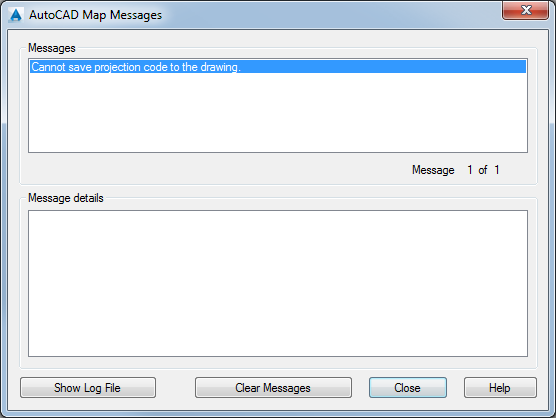
Actual result: Error message "Cannot save projection code to the drawing".
In AutoCAD Civil 3D:
- Open the "Drawing settings" dialog box.
- On the Units and Zone tab, assign your coordinate system, then click Apply.
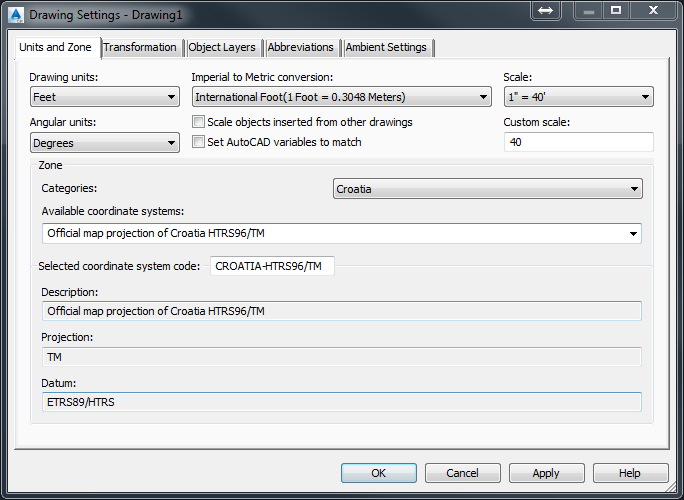
Expected result: The user defined coordinate system gets applied to the Drawing Settings dialogue box.
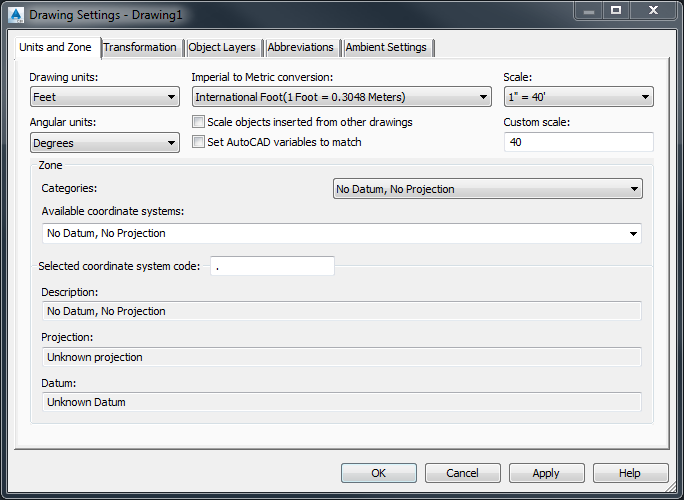
Actual result: The user defined coordinate system gets erased from the Drawing Settings dialogue box.
Environment:
This article applies to the operating systems listed. If your operating system is not shown, it may be because it is not supported or because support information is not yet available. For details on operating systems no longer supported by the vendor, see Product Support Lifecycle.Causes:
A datum shift from your custom datum to the WGS84 datum is required.This is because an internal transformation to LL84 is done when a coordinate system is assigned to the drawing and LL84 uses the datum WGS84. This is needed to store a bounding box of the drawing.