
- At the command prompt, enter plantpartconvert.
- Select an AutoCAD block.
- Enter a to add a port.
- Specify a port location.
- Specify a port direction. For example, (1,0).
- If the port indicator is not facing outward, enter f to flip the port.
- Enter a to accept the port location and orientation.
- Repeat steps 3 - 7 for each additional port.
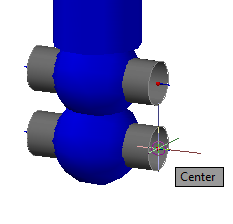
- Enter x to end adding ports.
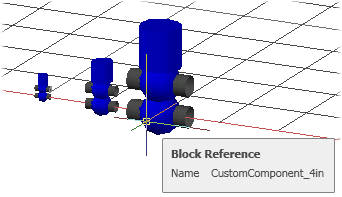 Note: A block based component can be used as a specialty (non-spec) component model using plantcustomparts. To create a block based spec component, you can use the Specs and Catalogs Editor.
Sample Blocks
 AP3D_Custom_Component_Sample (zip).