
Issue:
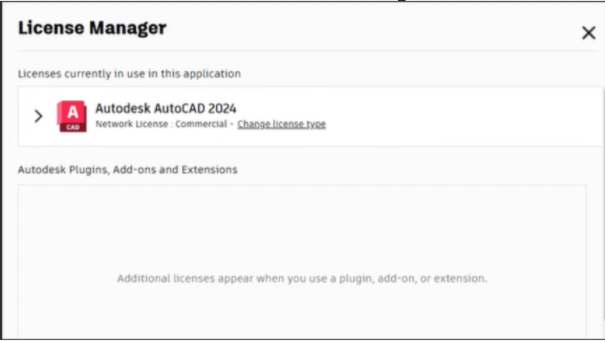
Users reported that when going to the Autodesk "License Manager" window to borrow a Multi-user license, the Borrow button is missing.
Environment:
Windows.
Solution:
To solve this, do the following:
Check your settings on Windows
Check anything related to GPU, scales, Accessibility preferences, or similar.
Uninstall and Reinstall the Autodesk Desktop Licensing Service
- Go to the folder: C:\Program Files (x86)\Common Files\Autodesk Shared\AdskLicensing
- Right-click uninstall.exe and select "Run as administrator".
- Wait until the folder becomes empty.
- Close all Autodesk products.
- Download and unzip the latest version of the Autodesk Desktop Licensing Service.
- Double-click the EXE file to start the installation.