
Issue:
When opening or working on the file in Revit, the following error message is displayed:
Autodesk Revit is not responding
If you close the program, you might lose information.
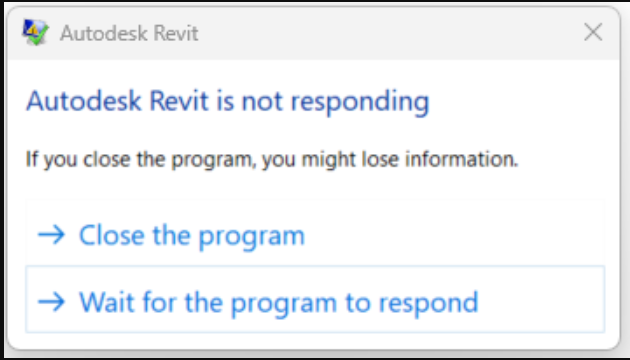
Not Responding

Revit eventually crashes after entering a "Not Responding" state.
Causes:
- The file is too large compared to the amount of memory available.
- Revit is not up to date.
Solution:
Check minimum system requirements
Make sure that the system meets the minimum requirements.
Ensure the latest Revit updates are installed.
Check RAM size
To calculate the necessary amount of RAM for Revit to open a project, multiply the Revit project file size by 20 plus add 4 GB.
For example:
Project file, including linked files: 100 MB.
100 x 20 = 2 GB + 4 GB = 6 GB.
Adjust hardware acceleration settings
- Start Revit.
- Disable hardware acceleration.
- Restart Revit.
- Open Revit model.
Other checks
Revit has the latest update installed.
The latest certified graphics card is installed.
Update Graphic drivers.
Links can be put into worksets and closed when opening. When you open only selected worksets and leave others closed, performance improves.
Note: This issue can also happen when saving a non-workshared Revit file to a network location. It may take longer than expected due to a backup being saved: About Backup Files for Network Saves.