Issue:
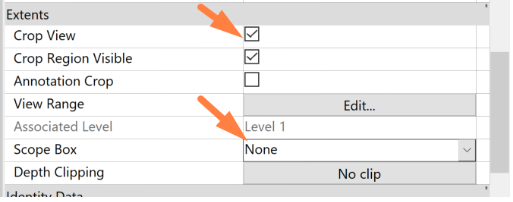
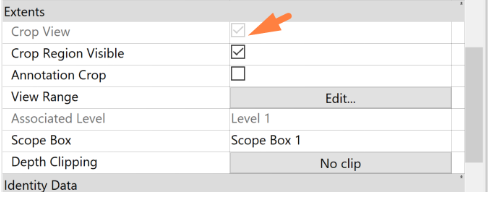
Cannot change the crop view setting for a specific view as the Crop View option is greyed out in Revit.
Causes:
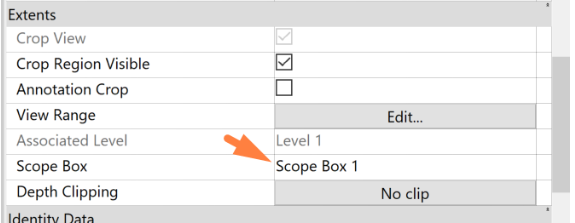
When the Scope Box is active in the view, Crop View will be greyed out as the crop region is automatically defined by the Scope Box.
Solution:
To change the Crop View setting, deactivate Scope Box by selecting 'None' from the options.