
Issue:
The crop region in some Revit views is unable to be adjusted.Causes:
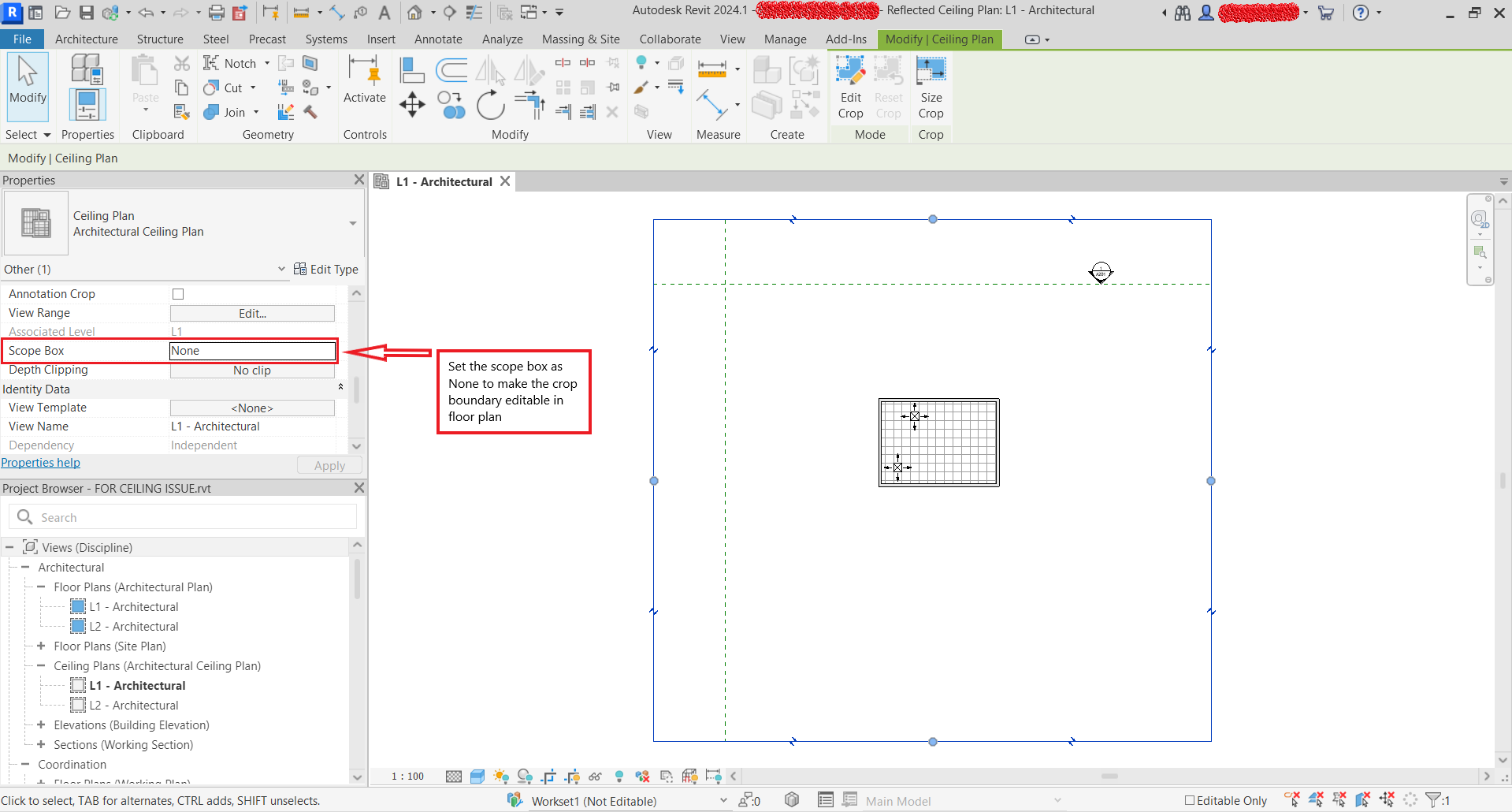
There is a Scope Box that is assigned to the view.
Design option is active.
Solution:
To resolve this, check the following steps:
Remove Scope Box
Remove the Scope Box from the view to edit the Crop Region.
1. Select the affected view.
2. Under the Properties window, set the Scope Box as None.
Design Options
Set the active design option to 'Main Model' as the views are fundamentally tied to the main model of the Revit project.