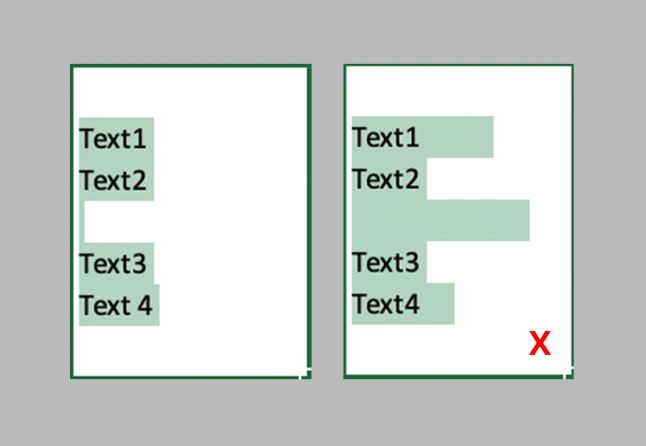
Issue:
Text field appearing as Shots when Bulk Importing in ShotGrid.Causes:
The Text field has spaces between lines and words.- Bulk Import tool interprets the spaces between lines and words as Shots.
Solution:
Remove the spaces between lines and words to be imported.