
Download a tool
Download a Downloadable tool from Workflow Advisory and acquire it through the Autodesk Design and Make Marketplace.
Before you begin
- Your account admin assigned you the Workflow Advisory subscription in Manage. See Troubleshooting Subscription Access if you see an access banner or a greyed-out Get button on the Marketplace.
- Review install prerequisites in the individual tool documentation when you are ready to install.
Steps
- Sign in to Workflow Advisory.
- Select the Downloadable Tools tab, or locate a downloadable tool on the All tab.
- Select See more or Learn More to review tool details and prerequisites.
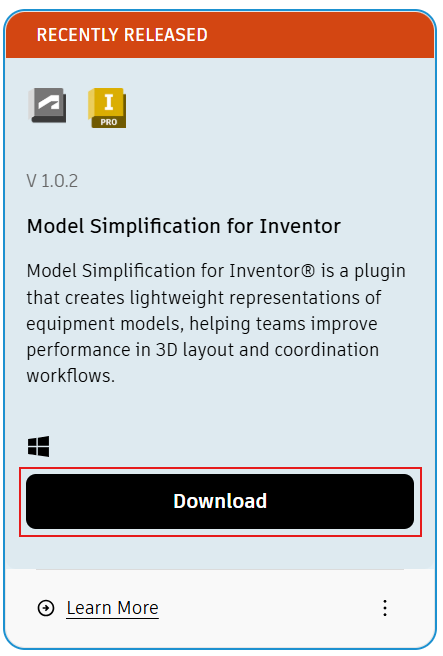
- Select Download.
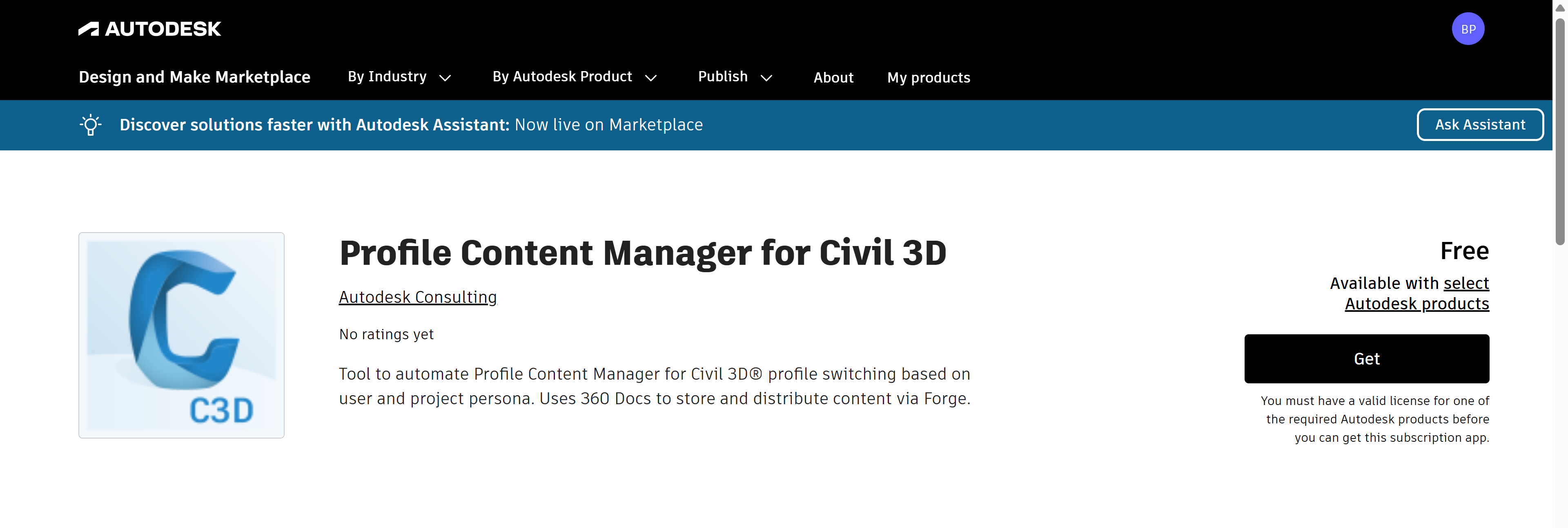
- On the Autodesk Design and Make Marketplace page for the tool, select Get to acquire the tool.
- Install and configure the tool using the tool-specific documentation.
Expected result
The tool is acquired from the Marketplace and ready to install on your workstation.
Troubleshooting
If you see an access banner on the Tools tab or a greyed-out Get button on the Marketplace, your Manage assignment may be missing or incomplete. See Troubleshooting Subscription Access for symptoms and next steps.