
Launch a Web Based Tool
Launch a Web Based Tool from Workflow Advisory and work with it in the Web Based Tools portal.
Before you begin
- Your account admin assigned you the Workflow Advisory subscription in Manage. See Troubleshooting Subscription Access if you see an access banner on the Tools tab.
- For first-time Web Based Tools setup, an administrator completed Set up Web Based Tools.
- Web Based Tools require a Forma Data Management subscription.
Launch from Workflow Advisory
- Sign in to Workflow Advisory.
- Select the Web Based Tools tab, or locate a Web Based Tool on the All tab.
- Select Launch on the tool card.
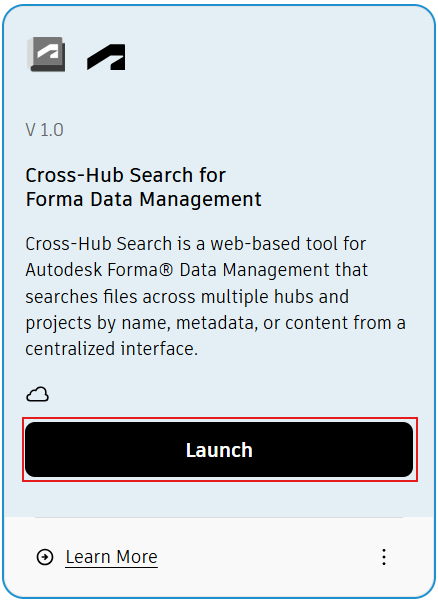
The Web Based Tools portal opens in your browser.
Use the Web Based Tools portal
The portal provides a sidebar listing available Web Based Tools (for example, Cross-Hub Search, Milestone Deliverable Tracker, and Folder Permission Auditor). Select a tool in the sidebar to switch tools.
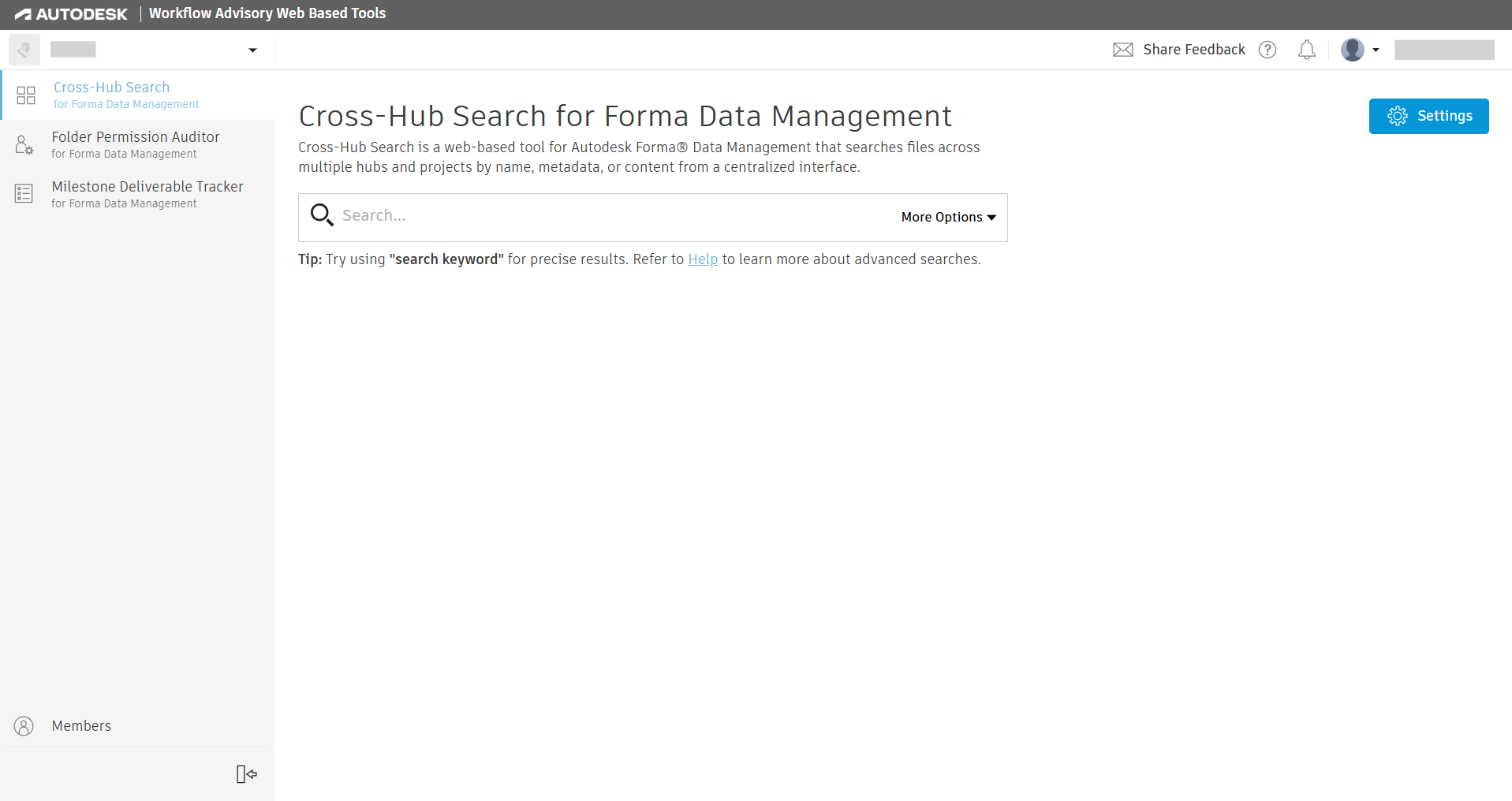
- Use the search or tool workspace in the main pane to work with the selected tool.
- Select Settings (gear icon) to open portal configuration for indexing and service account status when you have permission.
For direct portal access when entitled, go to https://tools.advisor.autodesk.com.
Expected result
The selected Web Based Tool opens in the portal and is ready to use according to your Forma project access and indexing configuration.