Issue:
How to change the default external g-code editor to view and modify NC code in Fusion.
Causes:
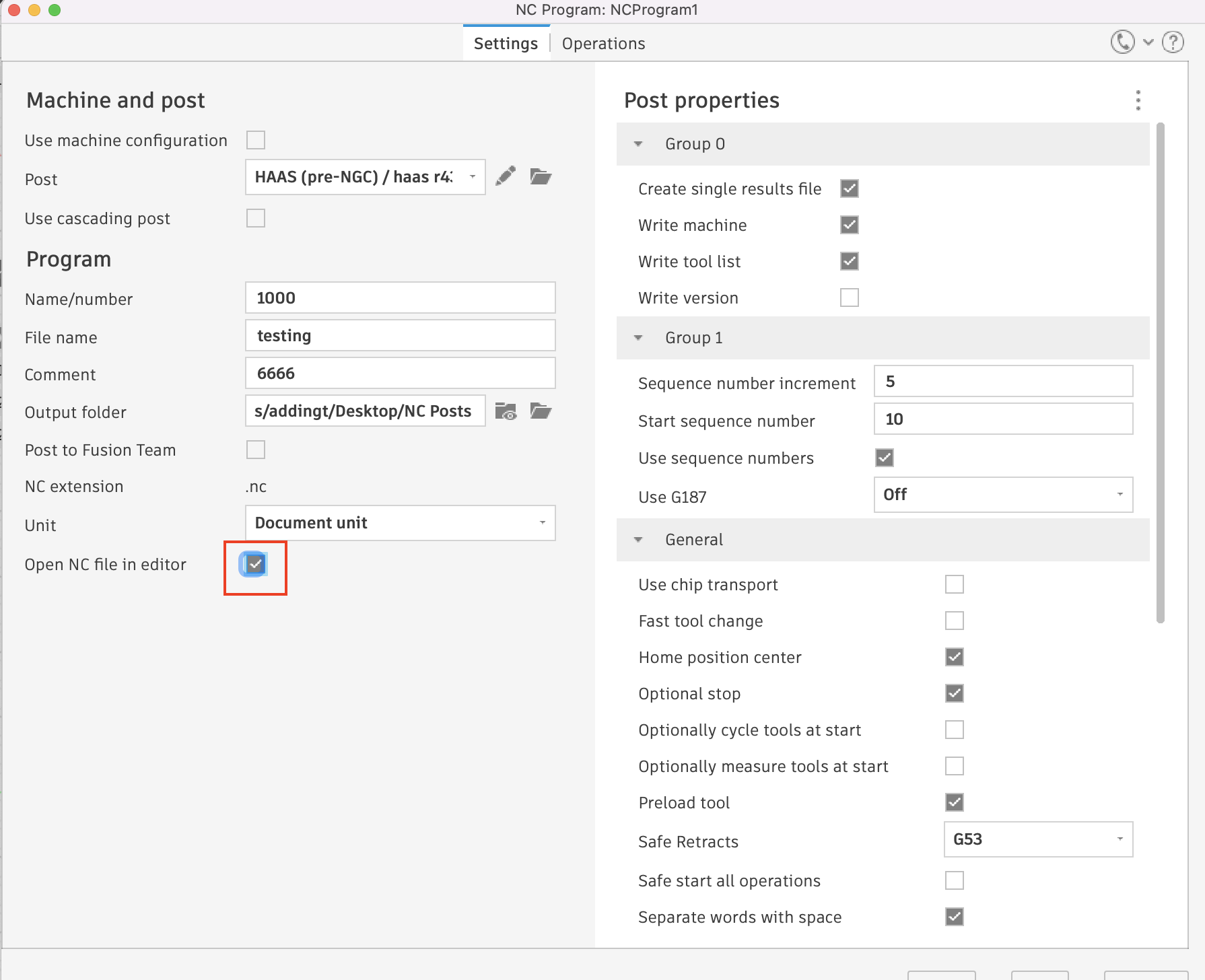
A specific text editing program may be used when viewing and manually editing g-code/NC programs created in Fusion 360. When the "Open NC File in Editor" flag is enabled, the text editor used for this purpose will be opened automatically when CAM programs are post processed in Fusion 360.Solution:
Perform the following to change the default external g-code editor in Fusion:
- Download an alternative text editing program. Note where on your computer the application is saved to.
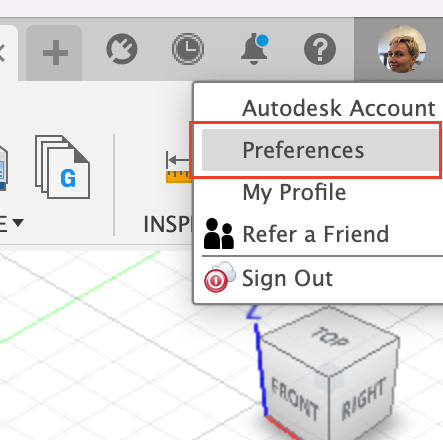
- Access your Fusion preferences by clicking on your user icon in the upper right hand corner of the Fusion window and selecting "Preferences" from the drop down menu.
- Navigate to the General > Manufacture tab on the left hand side of the preferences window and hit the ellipses button to change the External Editor.
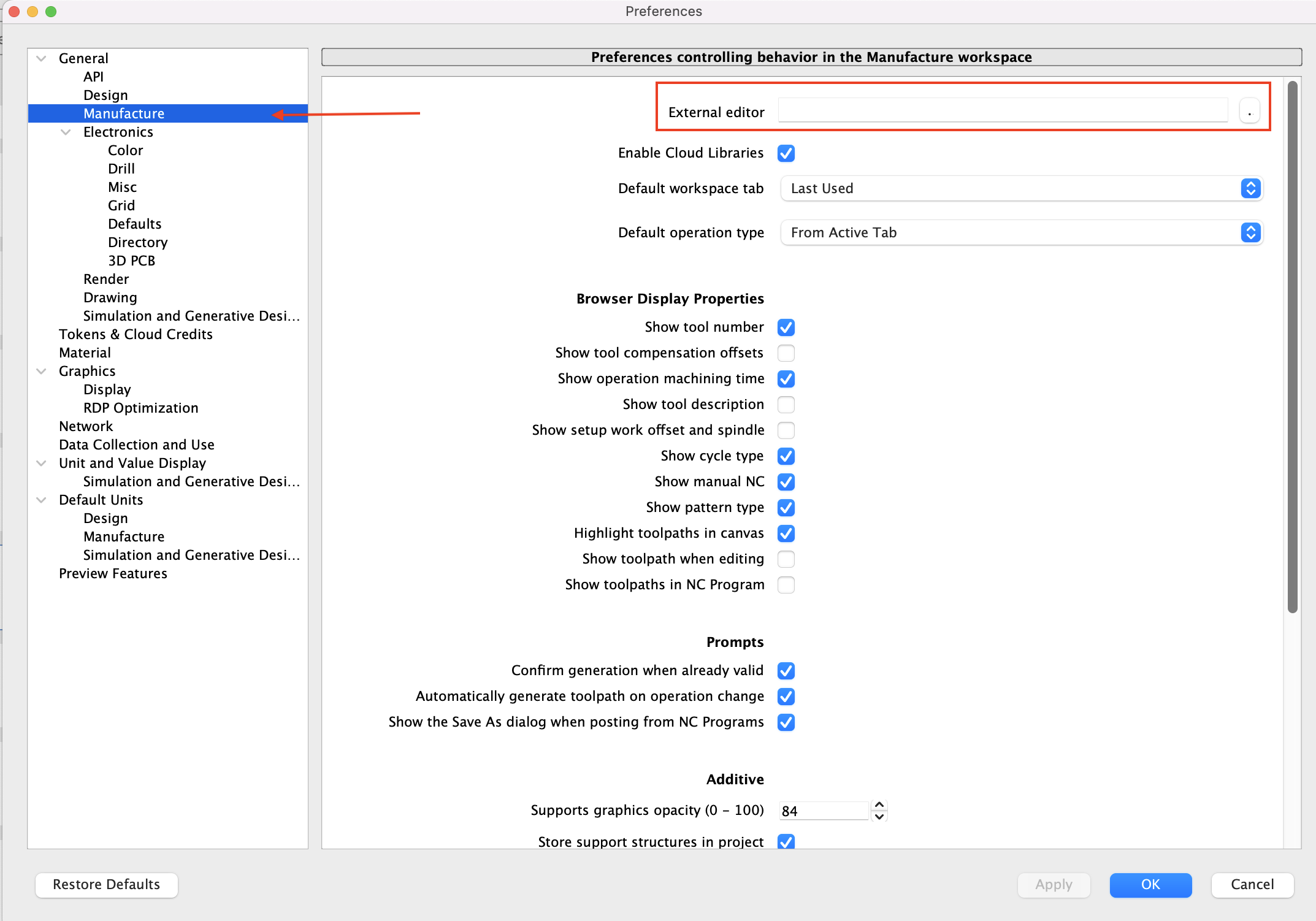
- Select the application to use as an external g-code editor and hit open. This will apply that application as the default text editor for g-code created with Fusion.
- To automatically open posted code from Fusion, make sure the the option to "Open NC file in editor" is checked in the NC Program dialog.