Issue:
Add-in missing after Autodesk Fusion update
Solution:
Fusion updates will not delete the add-in automatically since the custom add-ins are stored in a different directory.
Check the following locations and see if add-ins are available:
Custom add-ins are stored here: %appdata%/Autodesk/Autodesk Fusion 360/API/AddIns
Check recycle bin for accidently deleted files and restore them.
%Localappdata%/Autodesk/webdeploy/production/bce2902bbfcb27678033cbb9e17a3529631b97a7/Api/InternalAddins
Use the following procedure to manually add the add-on
See: How to install an add-in or script in Autodesk Fusion.
Setting Fusion to English language
See: How to change the user language for Fusion
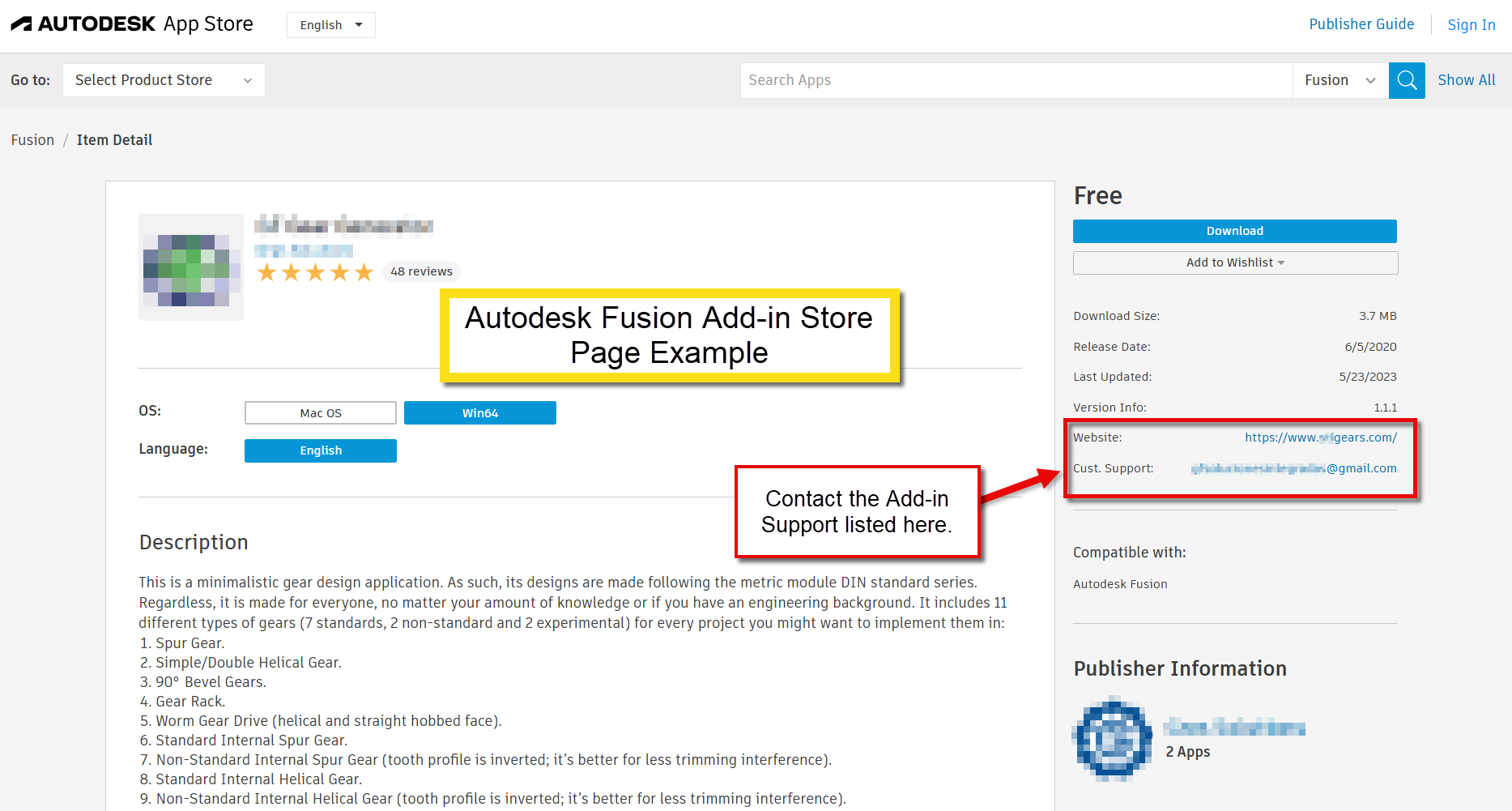
Check with the Customer Support email listed on the Add-In store page about the update progress of the add-in
See: Fusion Store: Plugins and Add-ons for Fusion | Autodesk App Store