
Issue:
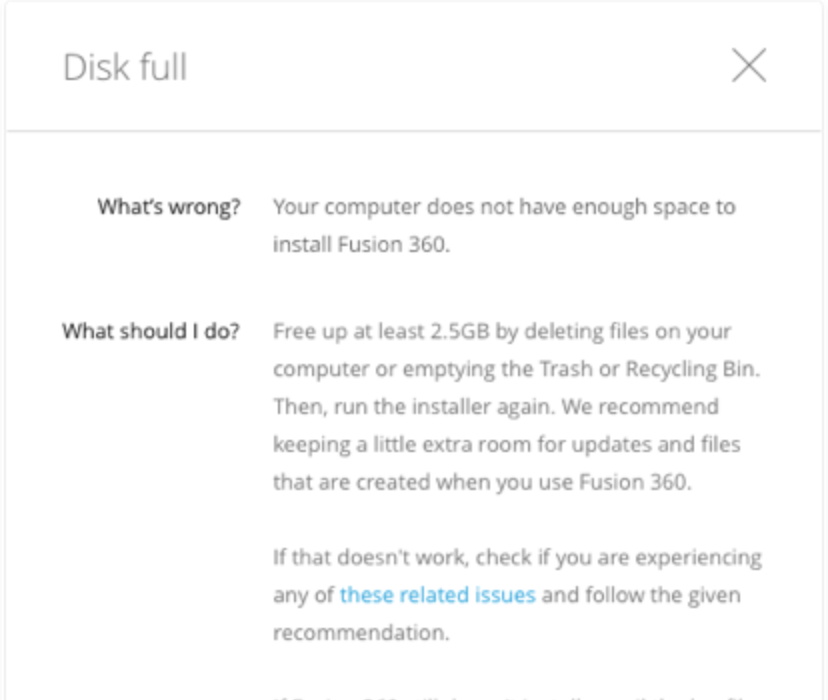
When trying to install Fusion 360, the following message appears:Disk full.
What's wrong?
Your computer does not have sufficient disk space to install Fusion 360.
Environment:
This article applies to the operating systems listed. If your operating system is not shown, it may be because it is not supported or because support information is not yet available. For details on operating systems no longer supported by the vendor, see Product Support Lifecycle.Solution:
Free up at least 2.5 GB by deleting files on your computer or emptying the Trash or Recycling Bin. Then, run the installer again.Note: It is recommended that you keep a little extra room for updates and files that are created when you use Fusion 360.
For other issues relating to installing Fusion 360, try this troubleshooter form to help solve the most common issues with installing Fusion 360 or visit "Problem installing Fusion 360" when installing Fusion 360.