Issue:
When attempting to opening a file locally into Fusion 360, the one of the following error messages appears:
Opening of local files is not supported!

Fusion Team Error Message
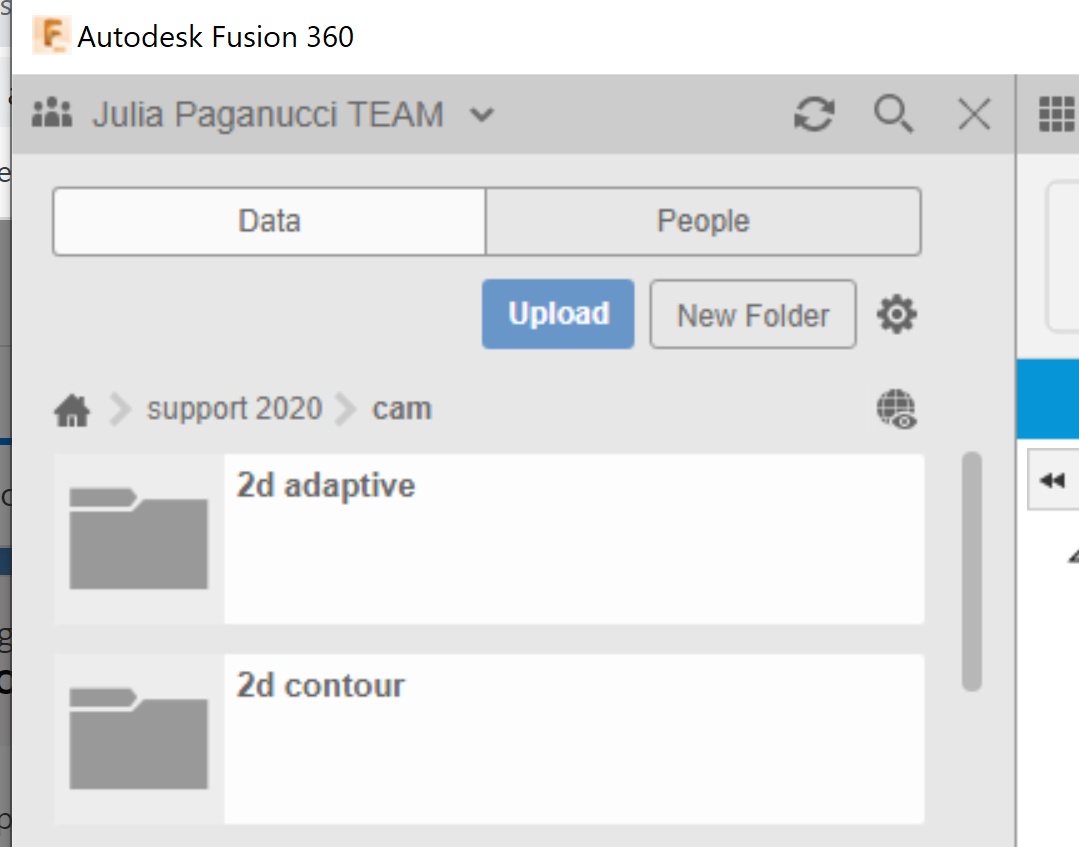
Upload [file name] through the data panel to make an editable Fusion design.

Environment:
This article applies to the operating systems listed. If your operating system is not shown, it may be because it is not supported or because support information is not yet available. For details on operating systems no longer supported by the vendor, see Product Support Lifecycle.Causes:
After opening a direct file from the computer location the file is using a temp folder location and that location is not supported for work.Solution:
To remove the error message :- Save the file to any team hub location, while saving the file the error message is disappeared.
- Upload the file to the Data Panel. For more information, see How to import or open a file in Autodesk Fusion 360.