
Issue:
Users reported that an error occurs during saving or opening when the design is a Configured Design or the Manage Extension is enabled in Fusion:
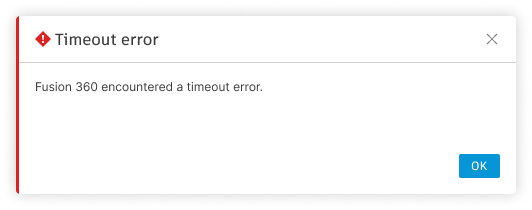
"Fusion 360 encountered a timeout error."
The following may occur in Configurations workflows:
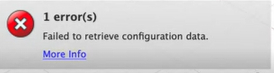
- The message "Failed to retrieve configuration data"
- The configuration design cannot be opened.
- After editing the configuration table and saving, the save is stuck.
The following may occur in Manage Extension workflows:
- After generating an item number, there is no extra save workflow and the save button is greyed out.
- Once the Manage Extension data is generated, subsequent saves are stuck if connection is still unhealthy
The following may be additional symptoms:
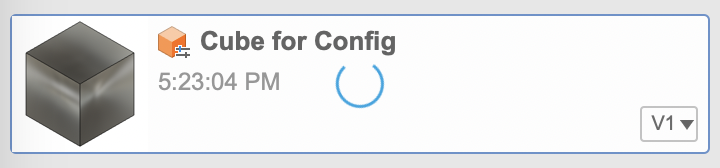
- The Design will be added to the data panel with the blue spinning circle
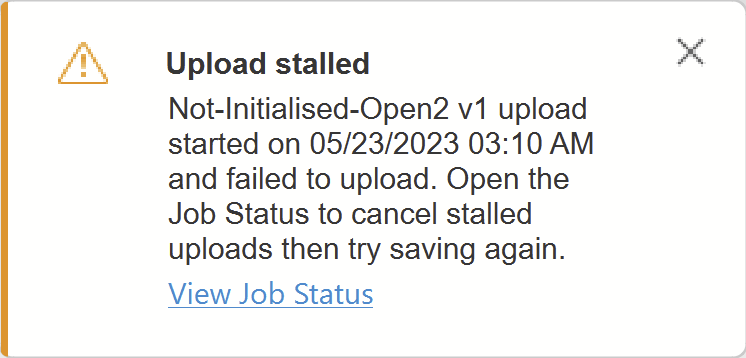
- The "Upload stalled" error occurs:
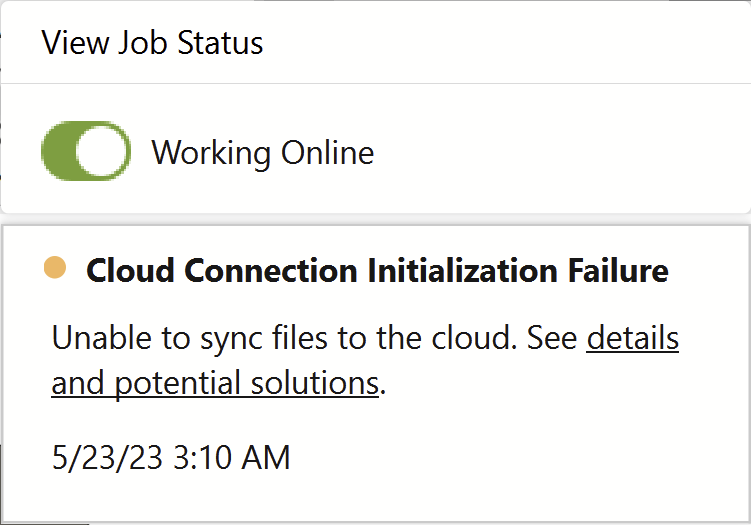
- If the Job Status is opened, the "Cloud Connection Initialization Failure" error occurs:
Causes:
A critical service has thrown a timeout error.Solution:
Update Fusion
Work through the article: How to update Fusion
Validate network settings
Validate the network you are using is configured for Fusion by working through the following articles: