
Issue:
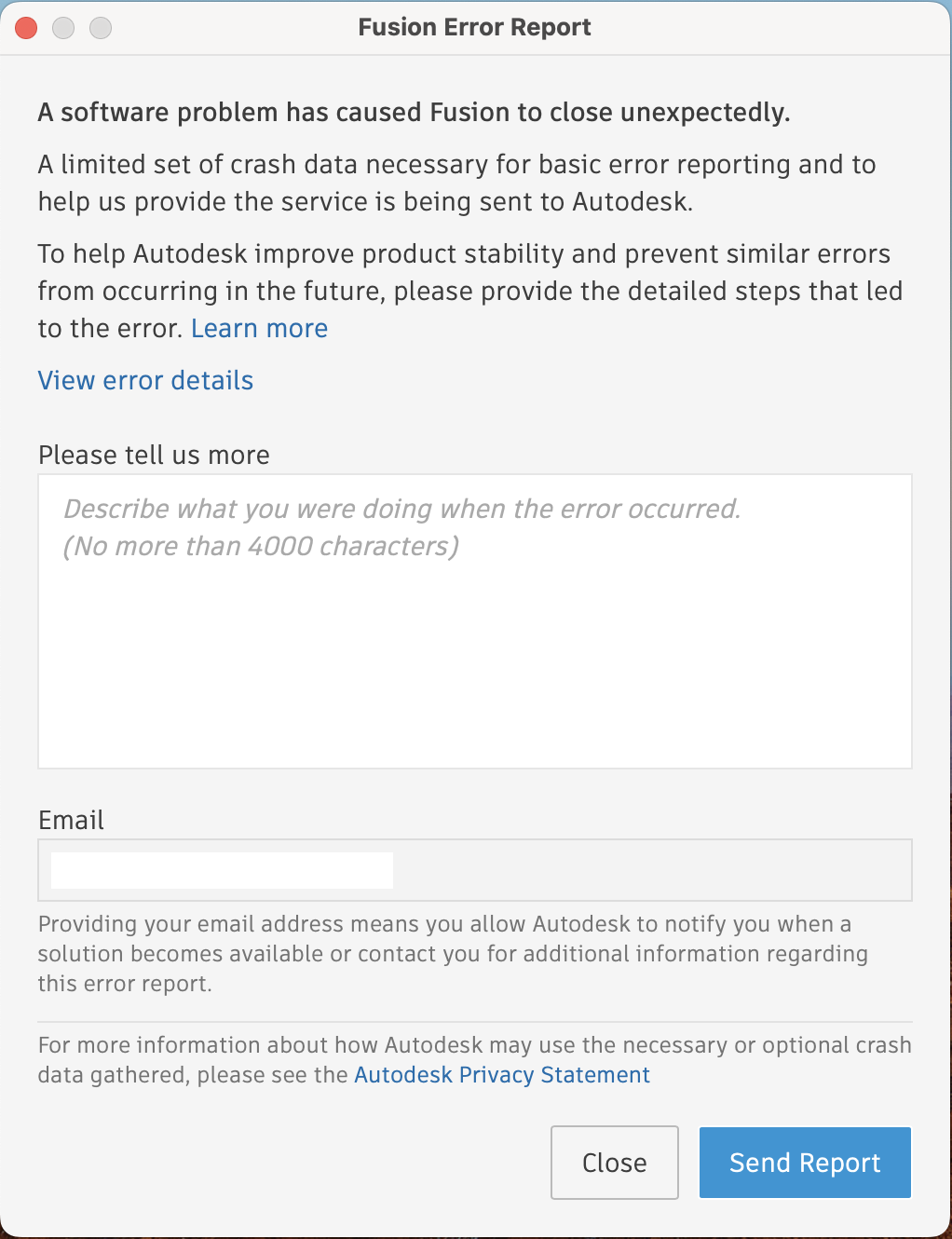
Users reported that Autodesk Fusion crashes during launch/startup/open on macOS with the following message:
Fusion Error Report
A software problem has caused Fusion to close unexpectedly.
A limited set of crash data necessary for basic error reporting and to help us provide the service is being sent to Autodesk.
To help Autodesk improve product stability and prevent similar errors from occurring in the future, please provide the detailed steps that led to the error. Learn more
Environment:
macOS.Causes:
- Computer does not meet system requirements.
- Product missing updates.
- Cached information.
- Conflict with Automatic Proxy settings.
- Corrupted installation or user profile.
Solution:
Check system requirements
Refer to: System requirements for Autodesk Fusion
Install available updates
Update Fusion to the latest version through one of the following methods:
- Reinstall Fusion to update: How to update Autodesk Fusion
- Use the Service Utility to run a Repair of Fusion which re-runs the installation and push Fusion to the latest version: Overview of Repair Autodesk Fusion Command from Autodesk Fusion Service Utility
Clear the login credentials
Clear the login credentials through one of the following methods:
- Run a Reset with the Autodesk Fusion using the Service Utility and "Keep user credential" unchecked: Reset Fusion Command from Autodesk Fusion Service Utility
- Manually clear the login credentials located here: How to clear the login credentials for Autodesk Fusion
Configure Automatic Proxy
Configure Automatic Proxy through the steps here: How to configure proxy server and firewall for Autodesk Fusion (macOS)
Corrupted user profile
- Create a new Admin user profile.
- Install and launch Autodesk Fusion.
See Also:
- Installing and loading Autodesk Fusion in a proxy environment you are seeing 'No user logged in'
- How to do a manual clean uninstall of Autodesk Fusion
- How to uninstall Fusion using the Autodesk Fusion Service Utility
- Random crashes while launching or working in Autodesk Fusion
- Crash when launching Autodesk Fusion after switching from Insider to Production