
Issue:
Autodesk Fusion does not open or fully start up. One or more of the following behaviours occur:
- Fusion crashes.
- The splash screen opens and quickly disappears.
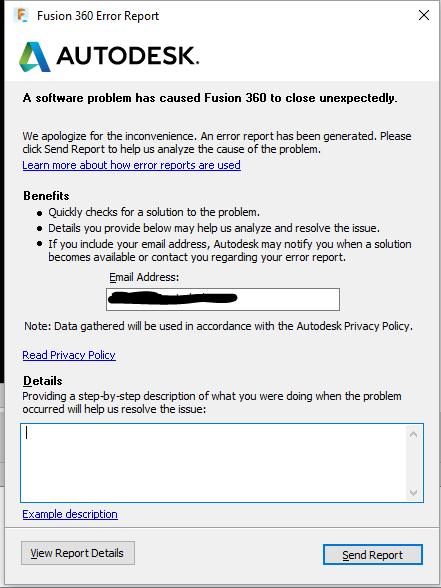
- A Crash Error report is generated.
- Fusion hangs/freezes.
- Fusion is stuck on splash screen / opening product window.
- The mouse cursor turns to a blue circle (Windows) or a rainbow pinwheel (Mac), but Fusion never starts.
- A blank white screen may display before or after the splash screen.
- After the Splash screen disappears, nothing is open and only white screen is visible when moving a mouse on Fusion on a taskbar.
- A "Not Responding" message may appear at the top of the application window.
- Nothing happens when attempting to open the software.
- A "Initializing" message may appear and Fusion does not load further.
- Fusion start screen is stuck on loading add-ins.
Solution:
Try to consult the following steps:
- Ensure that the software is assigned to the user.
- Start with the Troubleshooting Fusion Launching Issues form to help solve issues regarding launching Fusion.
- Proceed with any pending updates for the operating system.
Note: Confirm that the computer meets the system requirements. Refer to the article System requirements for Autodesk Fusion.
Window OS
- Fusion hangs/freezes on startup on Windows OS.
- Fusion closes shortly after opening on Windows OS.
- Fusion crashes with Error Report when opening on Windows OS.
macOS
Other Behaviors
- Nothing happens when trying to start Fusion.
- Fusion does not start when launched when having 2 graphics cards on computer
- Fusion is not responding after start.
- Fusion takes a long to to open or starts slowly.
- Black screen upon launching Fusion
- Stuck in Sign in loop or hangs when accessing Fusion
- White thumbnail appears in the Taskbar when attempting to start Fusion