Issue:
How to change the color of sketches in Fusion drawings.Solution:
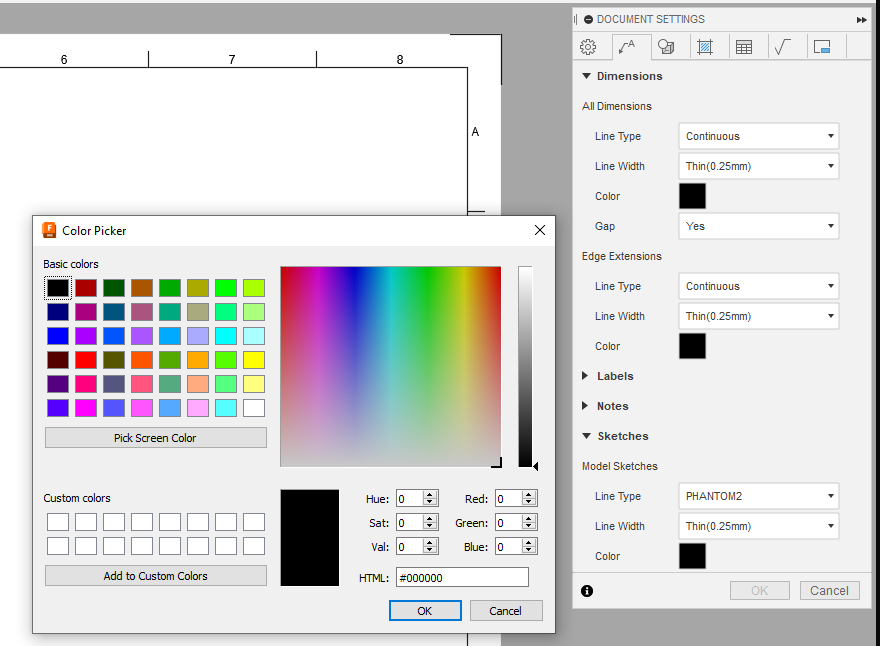
To change the color of the sketch in the drawing:
- Open the drawing of the design.
- In the design tree find Sketches.
- Click the eye icon to make sketches visible.
- Open form Document Settings.
- Select tab Annotation.
- Expand Sketches.
- Select the required color.