
Issue:
How to install an Education Lab, Admin, or All-User Installation of Fusion.Solution:
What do you need to know before you begin
- System Requirements
- Lab Install Instructions
- Deep Freeze Cloud Instructions
- Each student and educator at your educational institution is required to login to Fusion with a unique Autodesk ID. Learn more.
- Fusion is intended for use by persons who meet minimum age requirements. For more information please review our Privacy Statement.
To install Fusion in a lab environment, follow these steps
- Sign in to the Autodesk Education Community if an eligible account exists.
- If an account does not exist, create an account and confirm your eligibility.
- Download the Fusion Lab Install Package from the Autodesk Education products page for your OS. (Note: Only verified IT Admins or Educators have access to the install package and access to see the instructions).
- Select the Fusion product card
- Select the Classroom or Institution subscription plan
- Complete checkout to see the checkout confirmation with the Fusion Lab Install Package
- Signed in customers with existing Fusion licenses will see the download links on the card

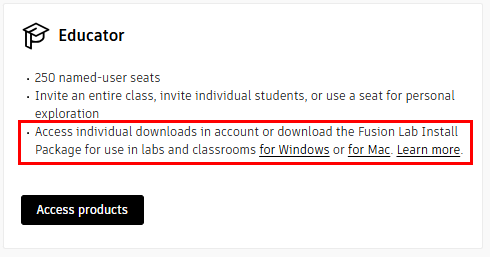
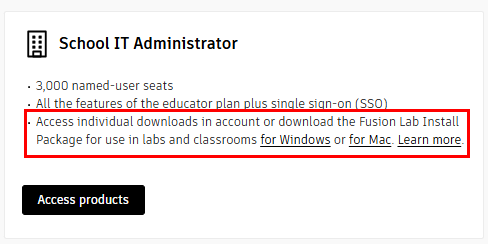
- Execute the Fusion Lab Install Package on each client.
- Run the executable from Windows Explorer, a command shell, script, or software distribution or management system.
- The executable will prompt for administrator privileges if it does not already have them.