Issue:
How to machine slots on a cylinder in Fusion Manufacture.
Solution:
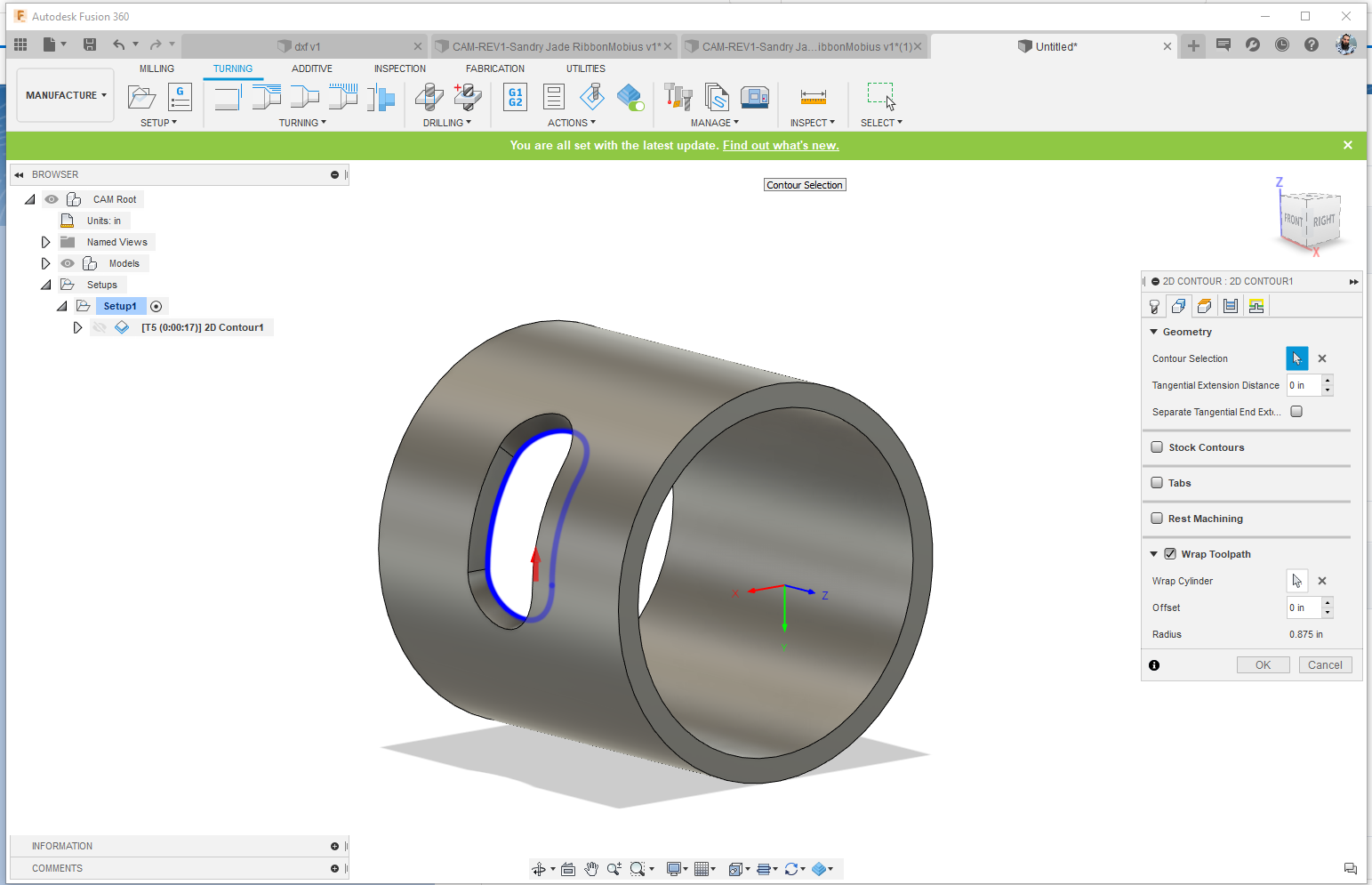
Wrap Toolpath
Use Wrap toolpath from the following 2D toolpaths:
- 2D Contour
- 2D Pocket
- 2D Adaptive
From a toolpath above:
- Click the geometry tab.
- Check Wrap Toolpath.
- Click the desired cylinder for wrapping.
- Click the required Contour.
- Click okay to generate the toolpath