
Issue:
- How to renew a Personal license for Autodesk Fusion.
- How to access the new Autodesk Fusion – Startup program.
Environment:
Causes:
- Free Personal use licenses for Autodesk Fusion are valid for three years, and can be renewed at the end of the term length.
- Existing Startup subscribers who’s current access is expiring will need to reapply to the new paid Startup program.
Note: If you haven't yet signed up for a license or installed Autodesk Fusion, see How to register for a startup, personal, or student license for Autodesk Fusion.
Solution:
To renew a Personal license for Autodesk Fusion:
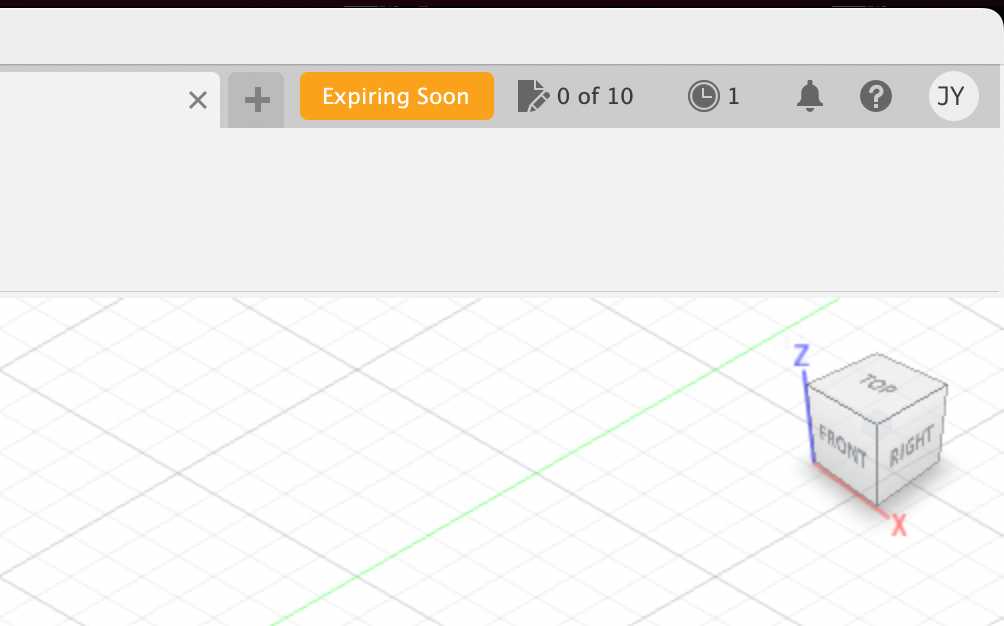
- You can only renew a Personal Use license if the current one has less than 30 days until expiration. To check the expiration date, check the About dialog from the Help menu in Autodesk Fusion.
- The video below walks through how to renew your personal license.
Note: If you currently have an Autodesk Fusion Commercial Trial active, you will need to wait for the 30 day trial to expire before renewing your Personal license.
- A dialog will appear when there is 20 days left until expiration prompting you to renew your personal use license, or subscribe now.

- Select “Renew personal license” from the dialog within Autodesk Fusion (seen above), or directly visit the Autodesk Fusion for personal use home page.
- Under the “Autodesk Fusion for personal use” column, select “Get Autodesk Fusion for personal use”.
- Sign in to Autodesk Account. If you don't have an Autodesk Account, select Create Account.
- After you sign in, complete the request form and agree to the Autodesk Terms of Use and Privacy statement.
- Select Download Now to activate.

- Download Autodesk Fusion for Personal Use.
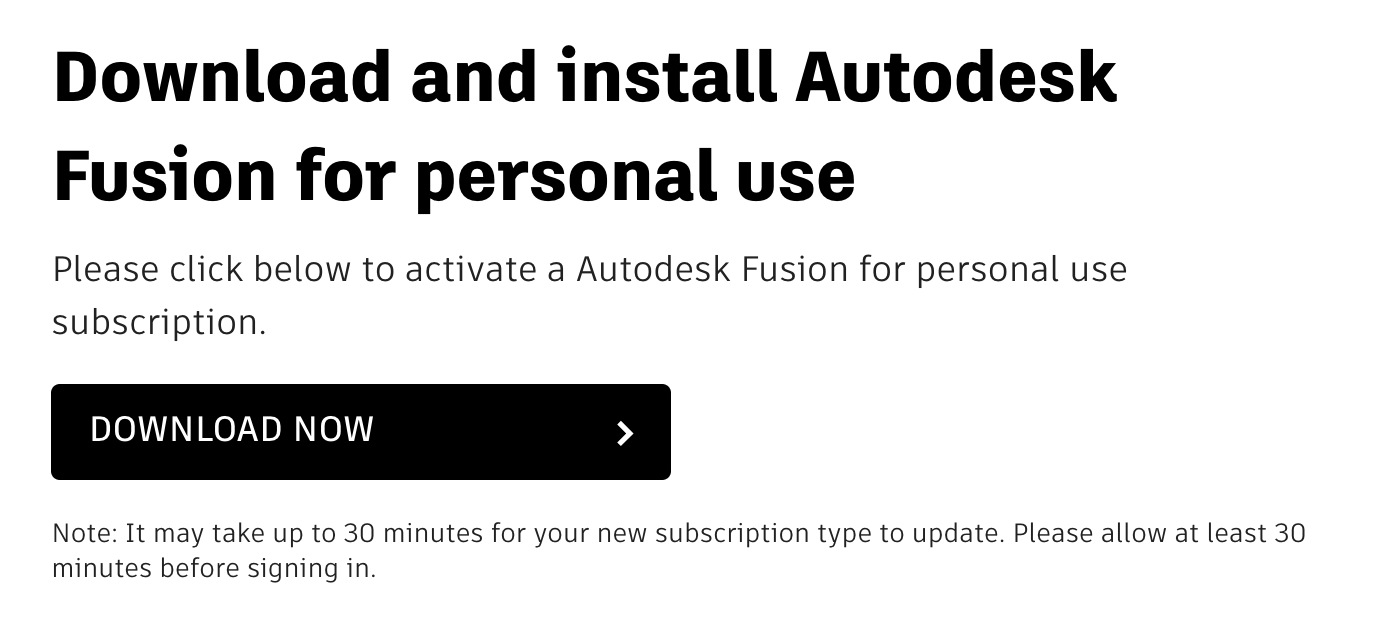
Note: Allow up to 30 minutes before signing into Autodesk Fusion after selecting Download Now to ensure the license is granted. If Autodesk Fusion is already installed, you have to click Download Now for the license to be granted. You do not have to install Autodesk Fusion after this step, if it is already installed on your computer.
How to access the new Autodesk Fusion – Startup program:
- After Nov. 14, 2023, if you are an existing subscriber who’s current access is expiring, you will need to reapply to the new paid program.
- Autodesk Fusion – Startup is a 3-year term offer priced per user. It is not renewable.
- As you complete your 3 years in the Startup program, you will need to either purchase a standard commercial subscription or use Autodesk Flex tokens to maintain access Autodesk Fusion.
Apply to the Startup Program:
- Visit the Autodesk Fusion for startups website.
- On the website, click Apply Now.
- Fill out all the required fields in the form and select Apply. The application will be processed within ten business days.
Note: Even when the new license is approved, the new license will be taken into account after the expiry date of the previous one.